

Customer Feedback
How to request Google and Facebook reviews with the Customer Feedback Add-on
Learn how to request Google and Facebook reviews with the Customer Feedback Add-on in ServiceM8.
When a customer leaves positive feedback, you can ask them to leave a review for your business on Google or Facebook.
To set this up, first log in to ServiceM8 online, then go to Settings > Feedback.
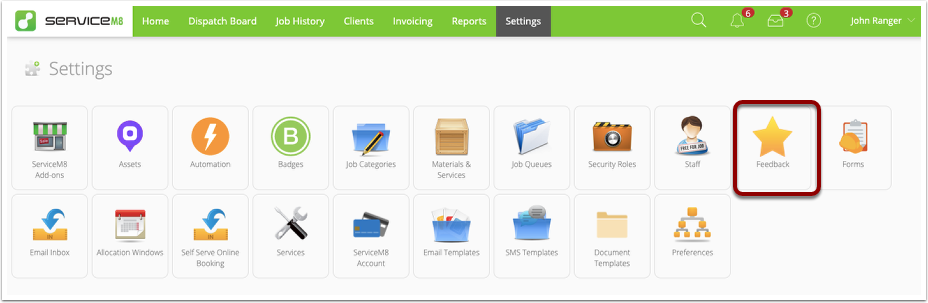
Scroll down to the review section, and insert your Facebook and/or Google review links in the corresponding boxes.

You can find your Google review link by searching your business on Google, clicking the “XX Google reviews” link to view the reviews for your business, then copying the full URL from the URL bar:

You can find your Facebook review link by going to your Facebook business page settings. In the Templates and Tabs section, make sure you have reviews turned on, and you will be able to copy the review link:

NOTE:
- It’s good practice to get permission from clients before requesting a public review.
- If you’ve set a Facebook review link ONLY, when customers leave a 4 star review or higher they will be directed to a special thank you page offering them to also leave a review on your Facebook page.
- If you set a Google review link (regardless of whether a Facebook review link is also entered), ALL automated feedback requests, as well your {feedback} link in any email & SMS templates, will direct clients straight to Google.