

Recurring Jobs and Reminders
How do I use the simple recurring jobs feature?
Find out how to use the simple recurring jobs feature in ServiceM8.
This lesson will show you how to set a job to recur. Recurring jobs needs to be activated in the add-on section of ServiceM8.
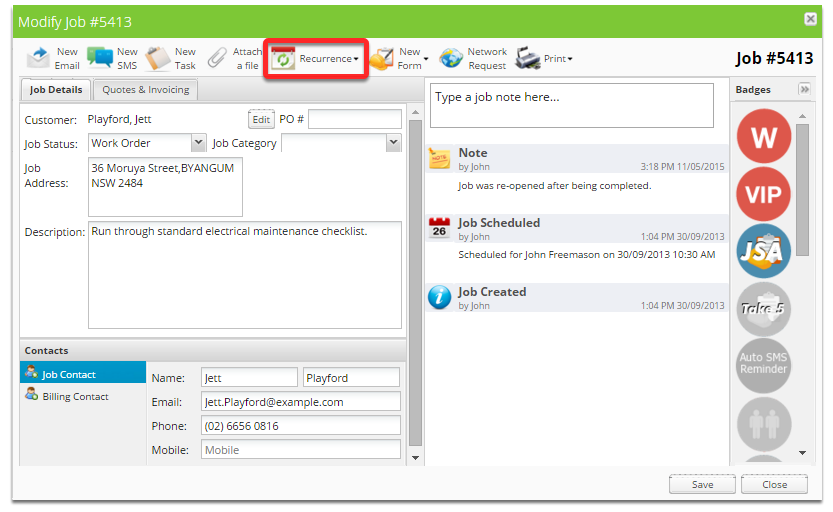
With the job card open, click the Recurrence button
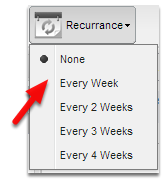
Set the job to recurrance rate appropriately
Thats it!
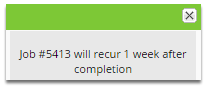
The job is now set to recur once completed.
Once you complete a job
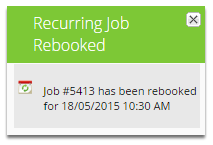
The job is automatically recreated and scheduled. The job will be scheduled to the staff member it was previously scheduled to, and will be scheduled at the time at which it was previously scheduled.
If the job wasn’t scheduled at all, it will schedule to the staff member who completed the job at set opening time of your business.