

Recurring Jobs and Reminders
How do I turn on the recurring Jobs add-on
Find out how to turn on the recurring Jobs add-on in ServiceM8.
This lesson will show you how to activate the recurring jobs add-on.
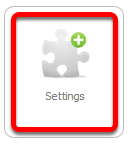
Go to Settings
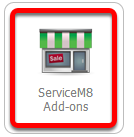
Click ServiceM8 Add-ons
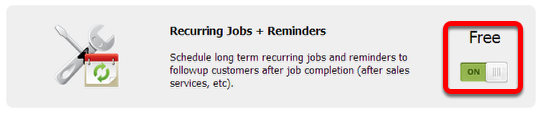
From the ServiceM8 Add-ons page, scroll down until you find the Recurring Jobs + Reminders add-on.
Click the switch button to activate Recurring Jobs + Reminders add-on
And that’s it! If you want to learn more about recurring jobs + reminders, please click here.