Third-Party Integrations
How to send an email after a form is completed in ServiceM8 through Zapier
Learn how to send an email after a form is completed in ServiceM8 through Zapier in ServiceM8.
Do you have forms in ServiceM8 that your staff fill out in response to important events (e.g. Incident Reports, Contract Variations)? Set up this automation and you can get email notifications as soon as those forms are completed: It will send you all the information whenever a new entry is submitted to your form.
How this ServiceM8 integration works
1. A form is completed in ServiceM8
2. Zapier sends you an email with the information
Apps involved
- ServiceM8
- Zapier
Go to Zapbook page for ServiceM8
URL click here.
Login your account or sign up a new account
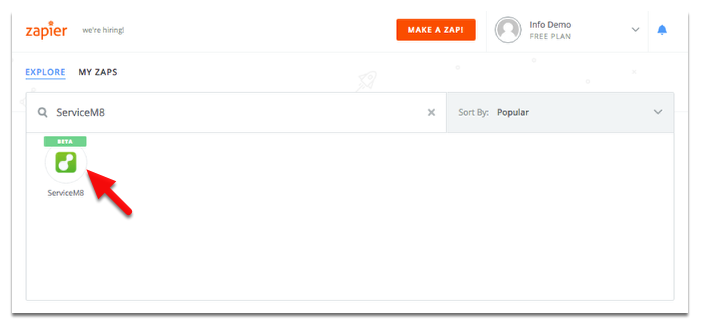
Search for ServiceM8 and double-click on it
Browse the available zaps for ServiceM8
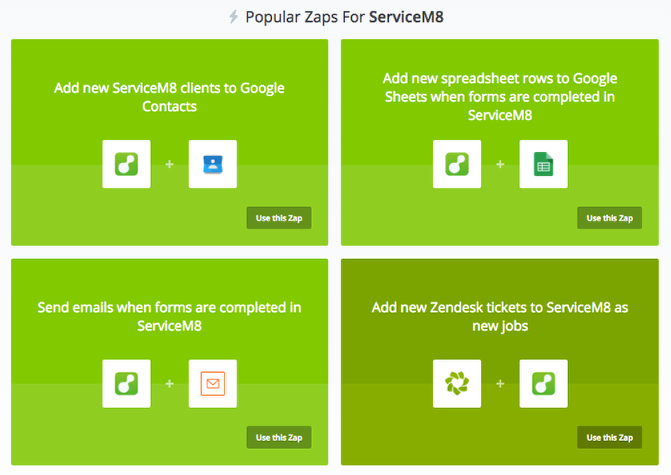
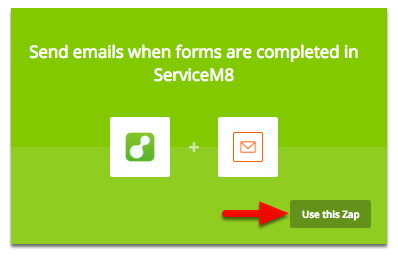
Find “Send email when forms are completed in ServiceM8”, the click use this zap
Click Make this zap!
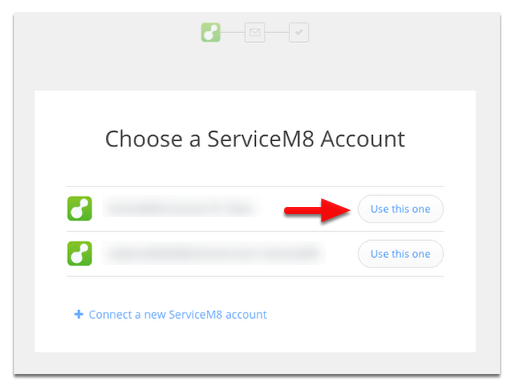
Choose an account to use or click connect to a new ServiceM8 account
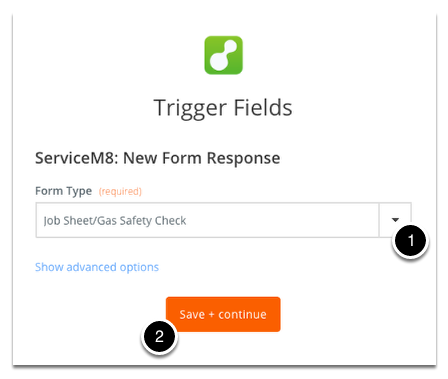
Select the form type you want to trigger from then click Save + Continue
Fill in or insert data fields for the outbound email information. Click Save + finish! once done.
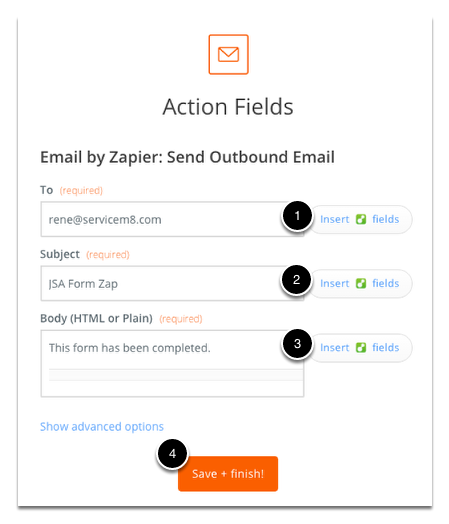
Tips: If you want to add more information such as attachment or additional email address field then click Show advanced options.
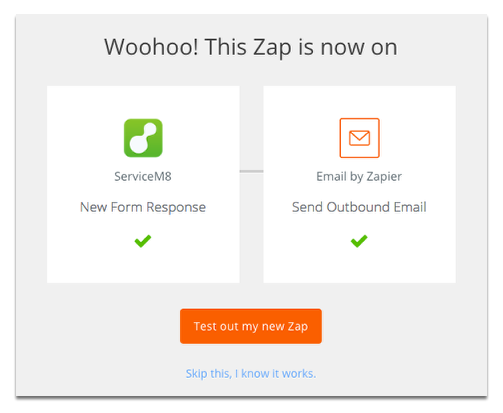
You can test it out before saving or skip it to save and you’re done!