

Asset Management
Ordering Asset Management QR Code Labels
Learn about ordering Asset Management QR Code Labels in ServiceM8.
To use ServiceM8’s Asset Management add-on, you will need special labels to apply to every physical asset you want to track. ServiceM8 asset labels consist of a globally unique QR code printed with UV-resistant ink on a durable PVC backing, with a strong adhesive to ensure they do not detach even in harsh conditions.
Your customers can scan the label to view service history on the asset, and report issues directly to your business.
Try it out! Use your device’s camera to scan this QR code, and see what the customer portal looks like (or click here).
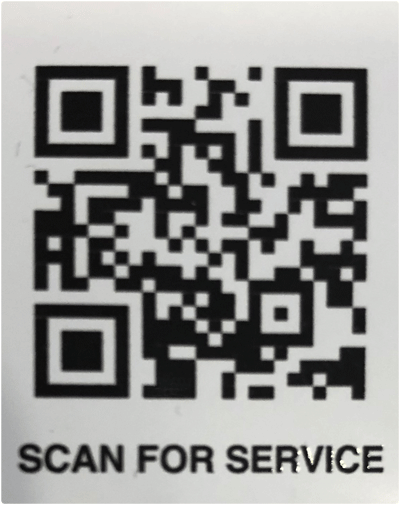
Using ServiceM8’s robust asset management functionality lets you get repeat work for asset maintenance. (And isn’t that much better than having that work go to competitors because they happened to be the first result on Google when the customer found the issue??)
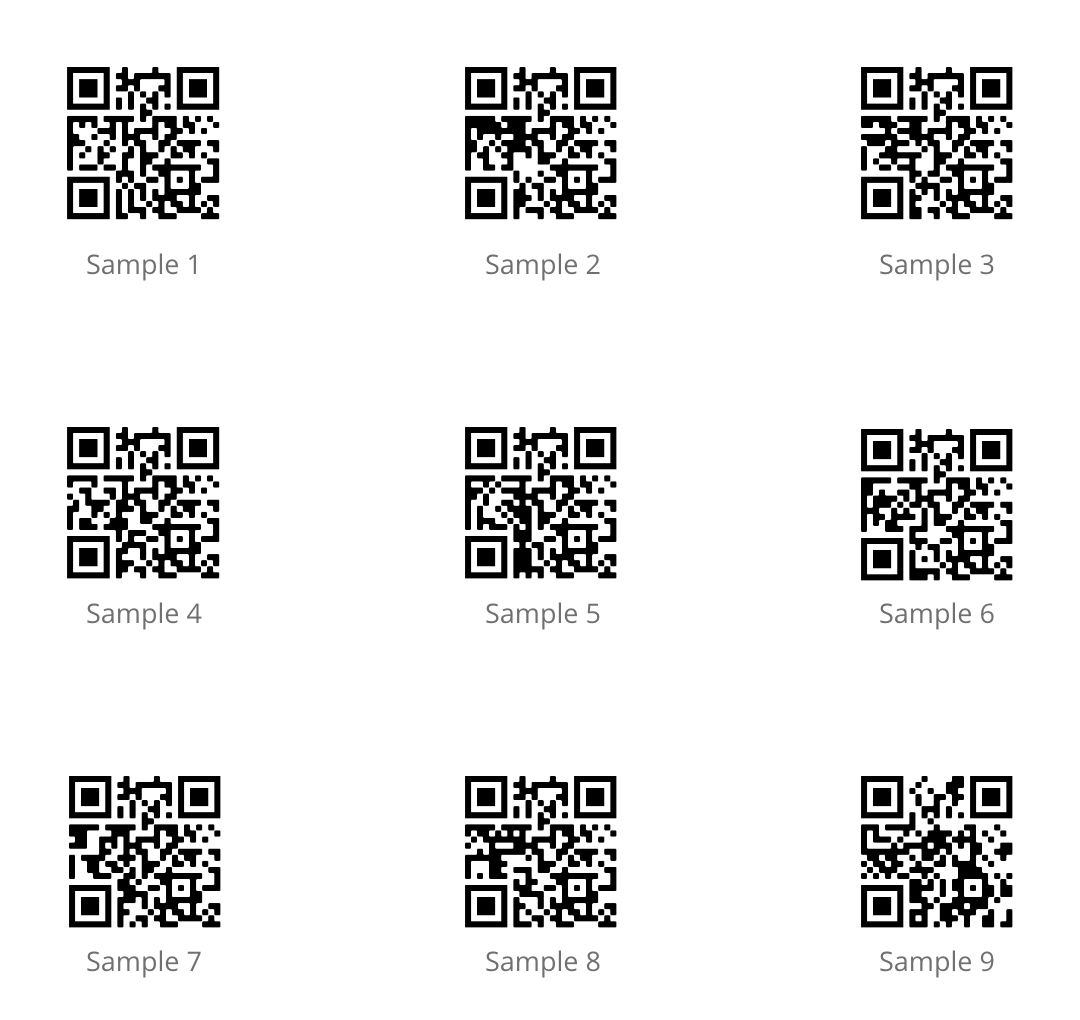
Sample QR codes
If you would like to trial the asset management functionality, download the attached file to access 9 sample QR codes.
Ordering asset management labels
To order your own set of ServiceM8 asset management labels:
-
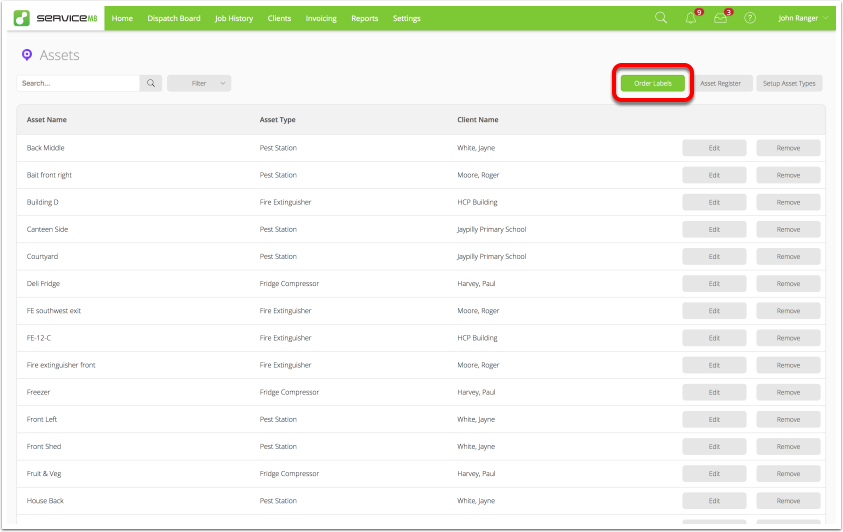
Go to Settings > Assets.
-
Click Order Labels.
-
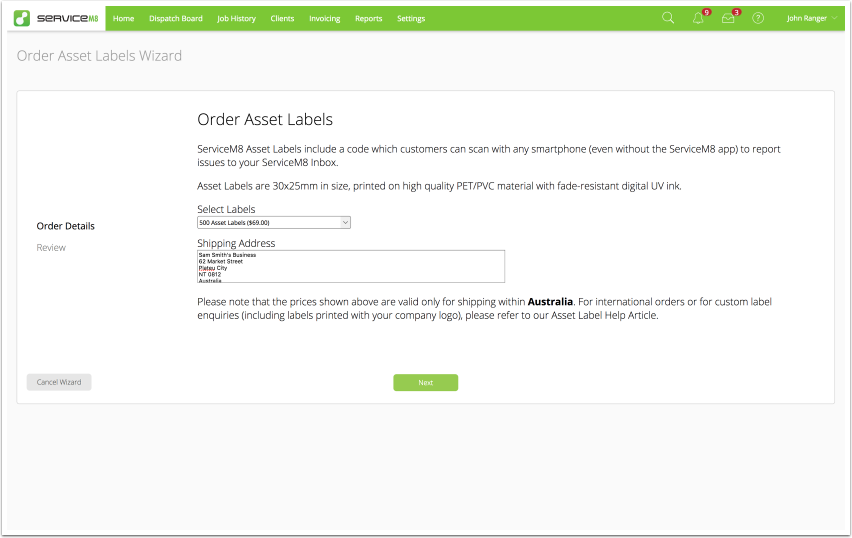
The Order Asset Labels Wizard will appear, along with current pricing for your country. Although label cost varies by country, it is usually less than 15 cents per label.
-
Select the quantity of labels to order, and provide your shipping address. Click Next.
A payment confirmation page will appear. Once your order is paid, your labels will be dispatched as soon as possible, usually within 1 to 2 business days.