Knowledge
What is ServiceM8 Knowledge
Understand what ServiceM8 Knowledge is and how it works in ServiceM8.
ServiceM8’s Knowledge Add-on lets you create and share a library of best practice videos and articles that staff can access in the field using the app, or from the office online.
By capturing your knowledge in a structured way and making it available to staff anywhere anytime, you can set clear standards, empower staff, and increase first time job completions.
The Knowledge add-on gives you the flexibility to make information your team needs readily available, whether it be procedures, tips, client preferences, or any other information that will ensure high standards and help meet the needs of your customers.
How to activate the Knowledge add-on
To get started, login to your Online Dashboard and activate the Knowledge Add-on in Settings > ServiceM8 Add-ons. If you can’t see the add-on, check your plan details.
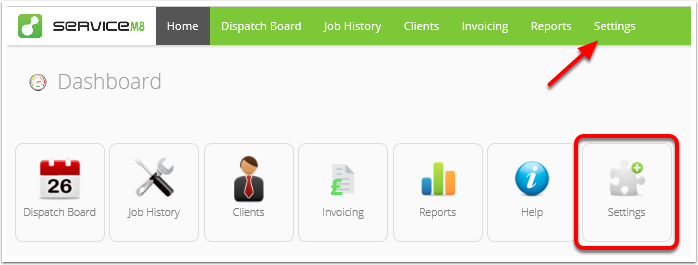
Select ServiceM8 Add-ons.
Search for and select the Knowledge add-on.
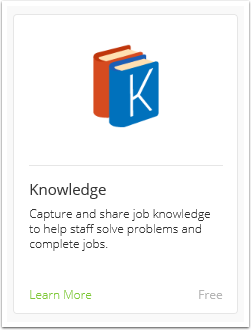
Click the switch to activate the Knowledge Add-on.

You can create Knowledge videos and articles either online or using the ServiceM8 app.
Using Knowledge online
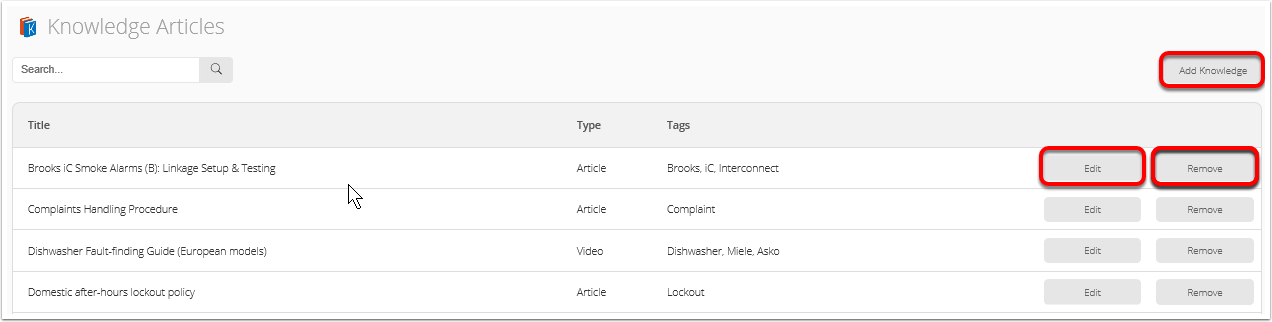
To create, edit, or remove a Knowledge video or article online , select Knowledge articles from the Settings menu.

From here you can add, edit, or remove any Knowledge video or article.
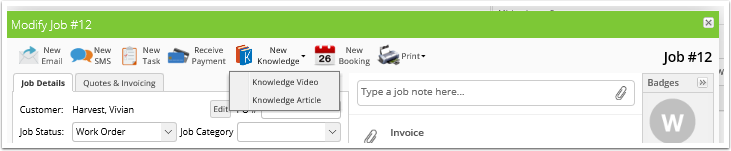
Alternatively, you can create a new video or article by opening any job and clicking New Knowledge and selecting either Knowledge Video or Knowledge Article.
For a step by step guide to creating Knowledge online see How to create Knowledge video or article online.
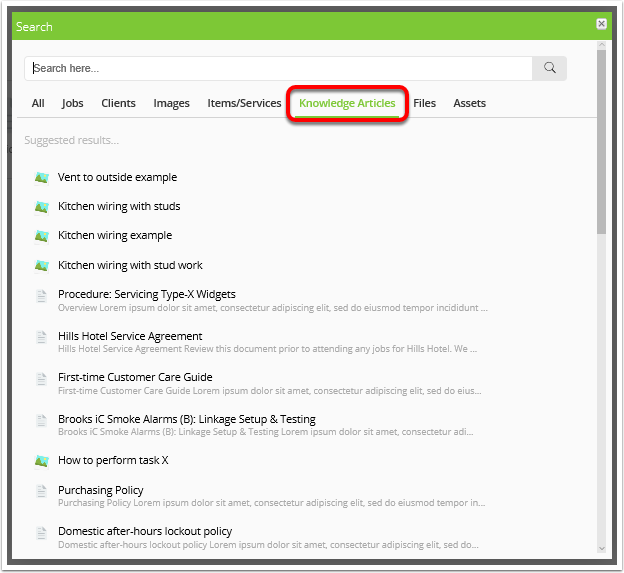
To view existing Knowledge videos and articles, click the Search icon from the top menu.

Choose Knowledge from the search options, and either scroll through all results or use the search bar to find a video or article.
Using Knowledge in the app
You can create and view Knowledge anywhere, anytime using the ServiceM8 app.
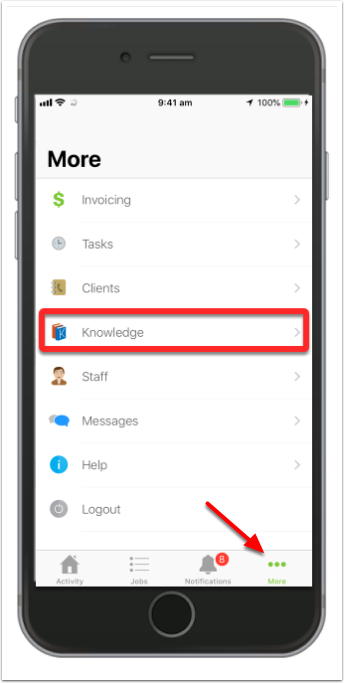
To create or view videos and articles open the app, go to More, and select Knowledge.
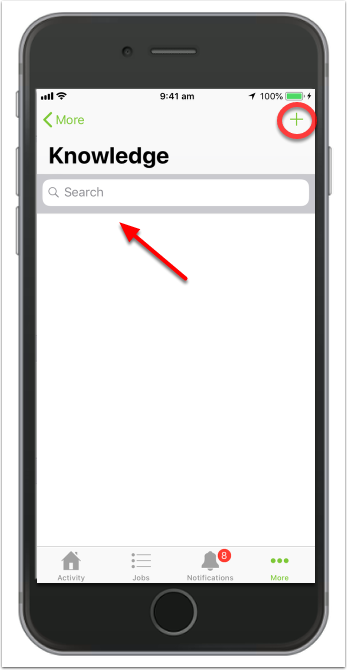
You can search for a video or article using the Search bar, or press + to create a new one.
Knowledge videos or articles can also be created directly from a job card in the app.
For step by step guides for creating Knowledge videos and articles see How to create a Knowledge video in the app and How to create a Knowledge article in the app.
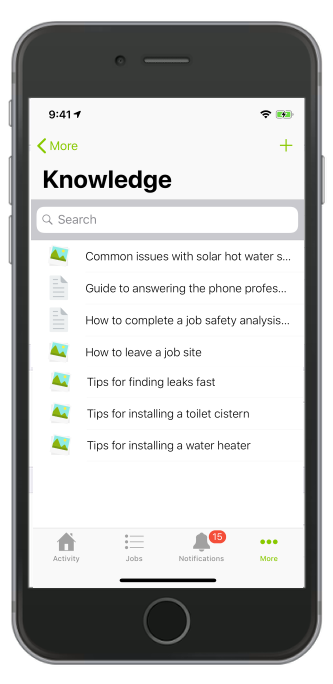
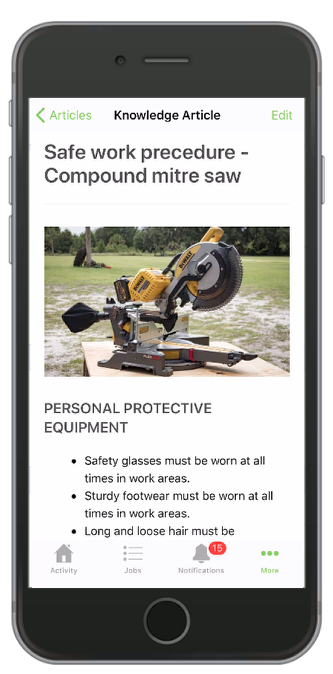
If you search for a video or article you will be given a list of search results, click a relevant article or video to view it.
Access Knowledge from a job
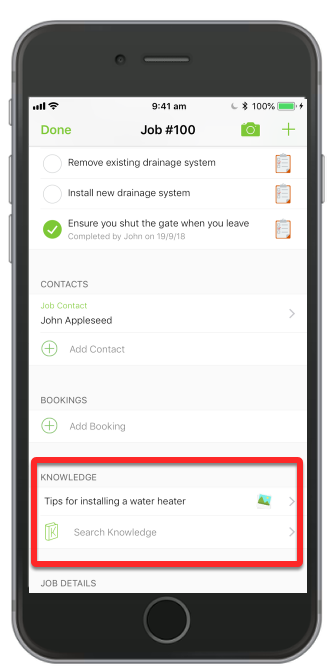
When you open a job in the app, if the creator of a Knowledge item tagged it with relevant key words, they will be suggested under ‘Knowledge’.