Forms
How to add a photo into a form
Learn how to add a photo into a form in ServiceM8.
This lesson will show you how to attach a photo into your form.
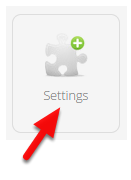
Go to Settings
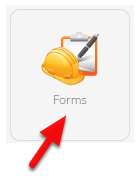
Click Forms
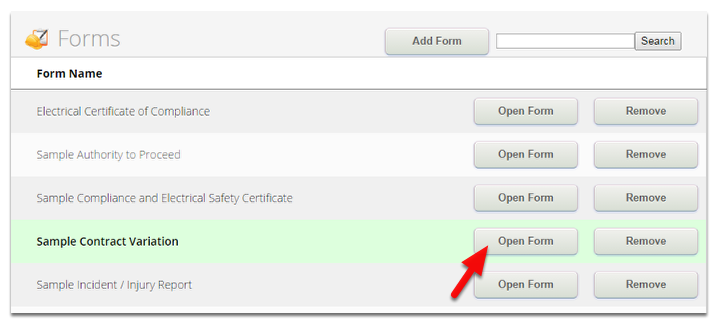
In the Forms page, select a form and click Open Form to modify it
Add question as Photo
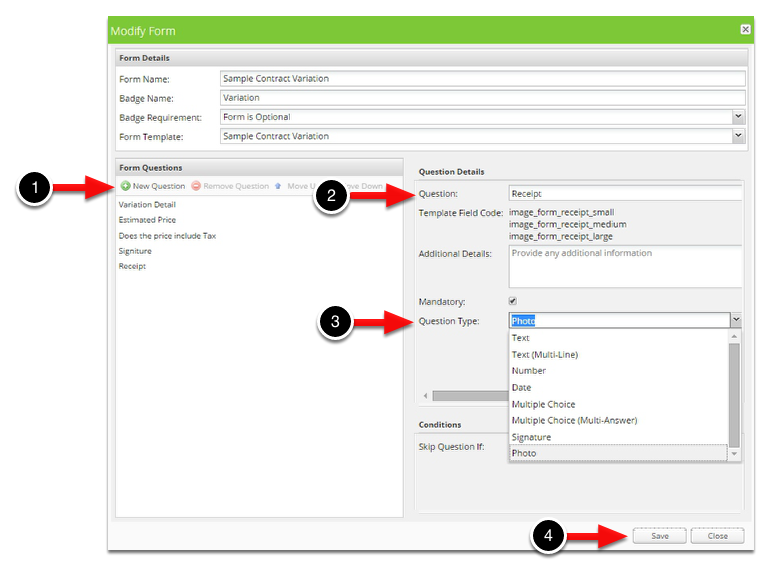
1. Click New Question
2. Name the question
3. Click the Question Type drop-down list, select Photo
4. You can make this question as mandatory by ticking Mandatory, once finished click Save
Now, access the Form from the app
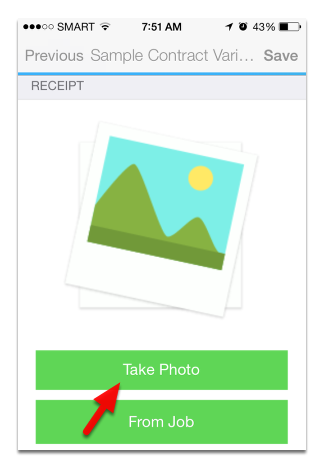
You can now take a photo or grab an existing photo from the job diary to be attached in the form.
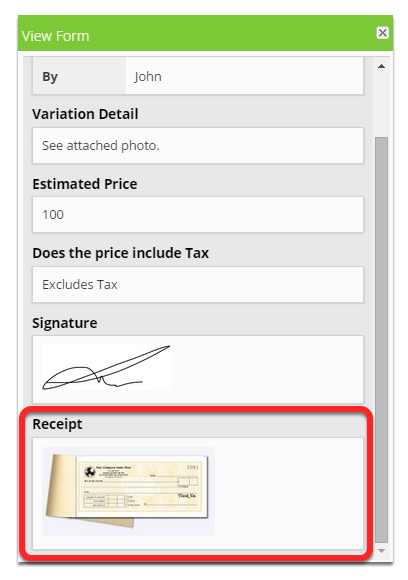
The result can be viewed from the diary as shown below
If you wish to link the form’s photo into the document template simply use any of its field codes as shown below:
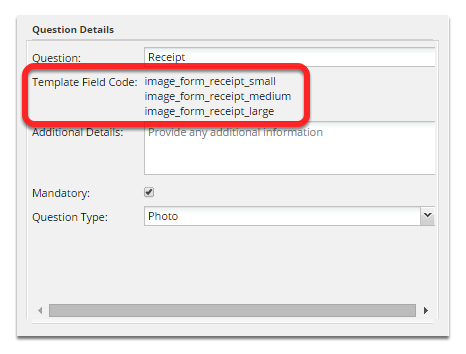
Determine the size of the photo that you would like to appear into your document template.
Small - Use this field “image_form_x_small”
Medium - Use this field “image_form_x_medium”
Large - Use this field “image_form_x_large”
Note: “x” is the question name that you used in the form, for this example, it’s “receipt”.
In your document template, copy and paste the field name and select it
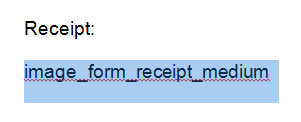
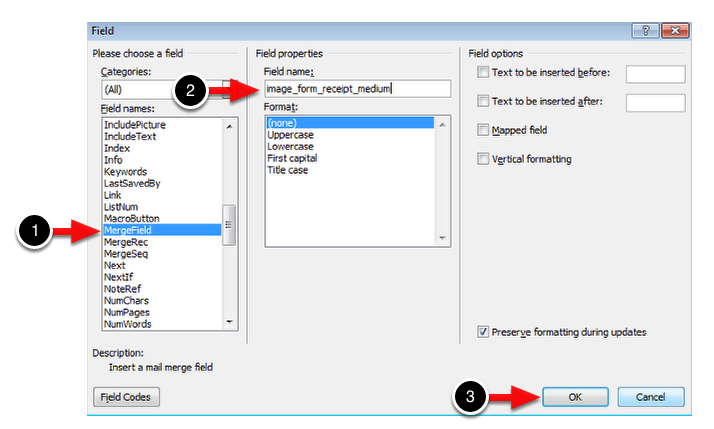
Go to Insert > Quick Parts > Field > MergeField and enter or copy and paste the form’s field code from the form. Click Save.
Once done that, it should changed the field name into this.
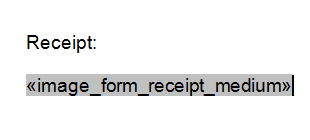
Save the document template and you are done! To learn more on how you can link your form to a document template, click here.
Sample Output