ServiceM8 Phone
Changing your existing ServiceM8 Phone number
Learn how to change your existing ServiceM8 Phone number in ServiceM8.
You may want to change the phone number that was automatically assigned to your account within ServiceM8 Phone. For example, you may prefer a number associated with a different location.
If you are changing ServiceM8 numbers and you have already diverted your main business phone number to your old number, be prepared to change it immediately to the new number.
To change your existing ServiceM8 Phone number:
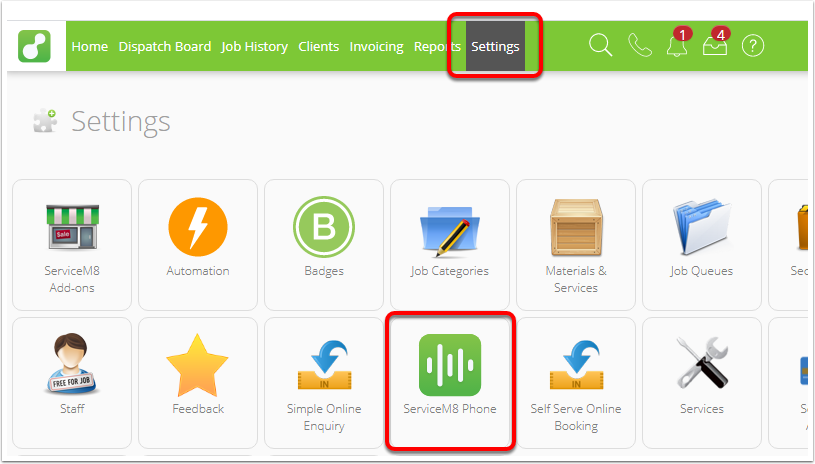
- From the main menu, click Settings.
- Click ServiceM8 Phone.
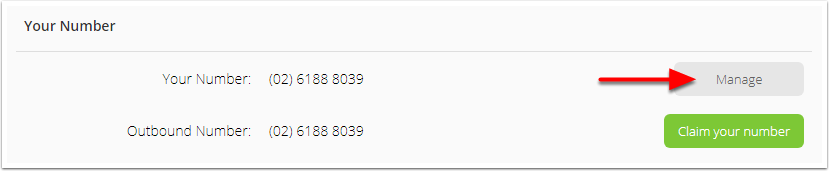
- Next to Your Number, click Manage.
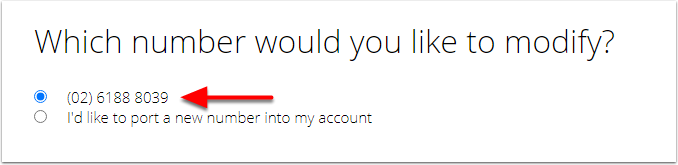
- Select the number you want to modify, and click Next.
- Select Replace this number with a new number, and click Next.
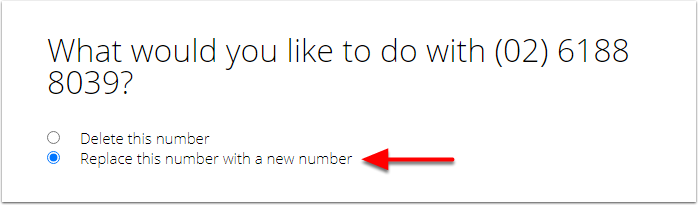
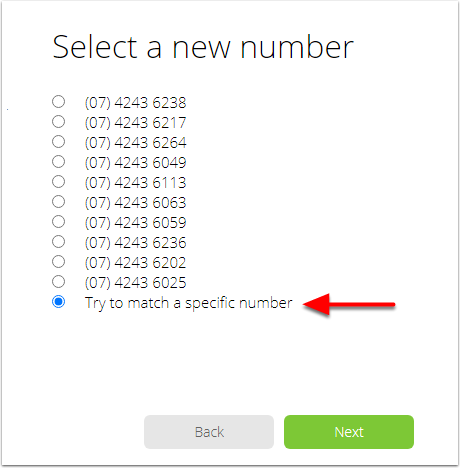
- You can now either select a number from the list, or you can try to match a specific number.
- If you would like a number from the list, select it and click Next.
- If you would like a specific number, select Try to match a specific number and click Next.
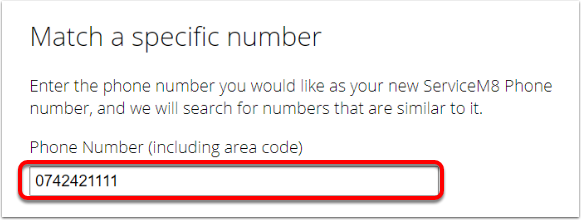
- Enter your desired phone number, including area code, and click Next.
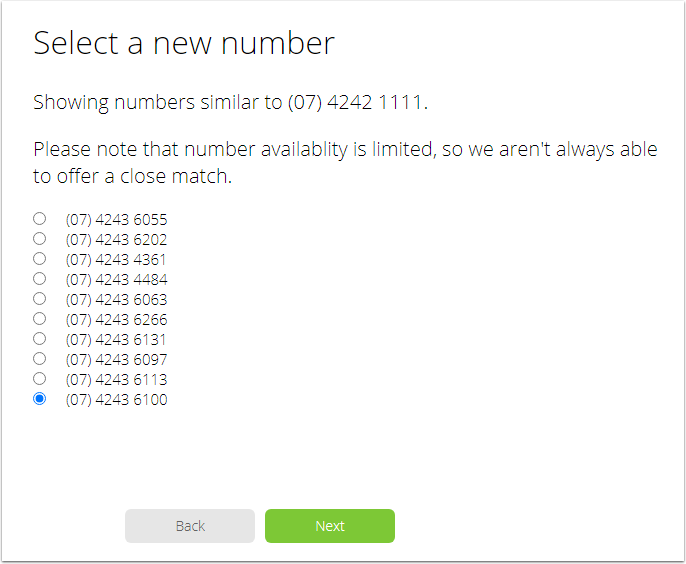
- ServiceM8 will generate a list of the closest available numbers. Select one and click Next.
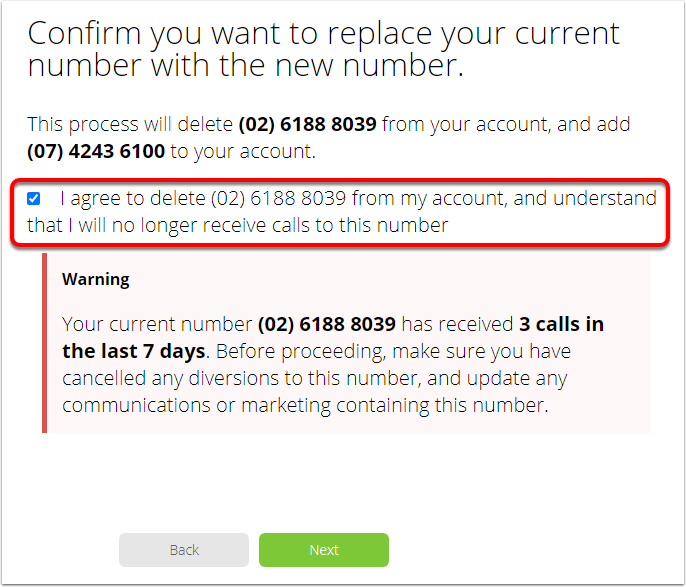
- A prompt will appear asking you to confirm that you want to delete the old number, and replace it with the new number. Check the box to confirm, and click Next.
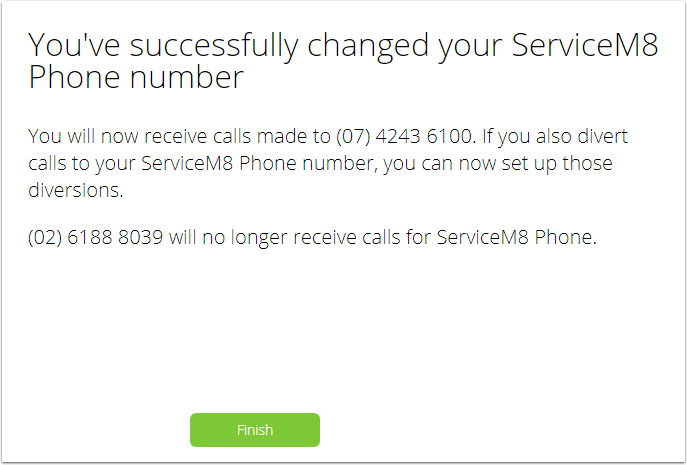
- A change confirmation will appear - you changed your number! Click Finish.