

Job Allocations
Job Allocations - How to change allocation window times
Learn about job Allocations - How to change allocation window times in ServiceM8.
This lesson will explain how to customize the allocation window times.
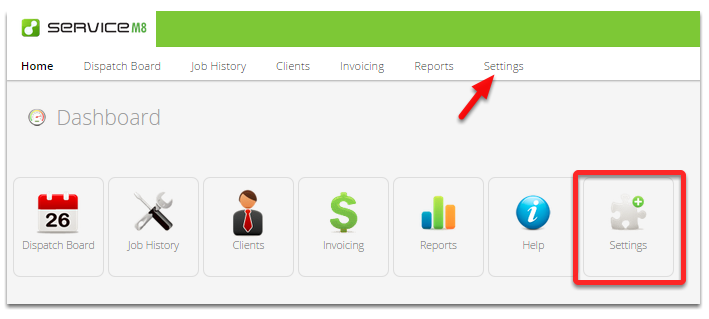
Go to Settings
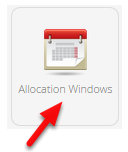
Click Allocations Windows
To adjust the Allocation Window hours, click Edit

Change fields to suit your needs, hit Save Changes once done.
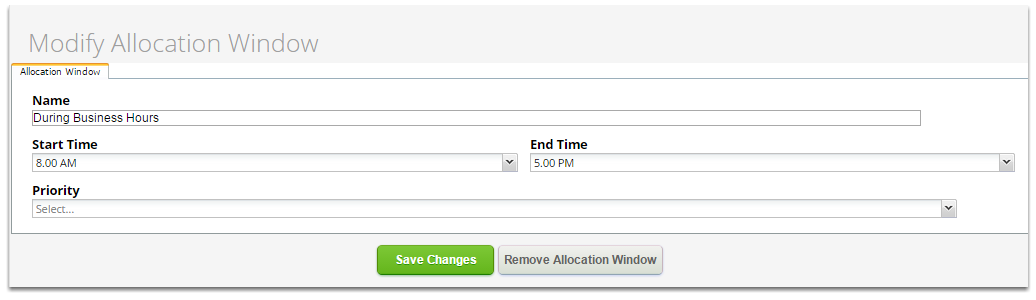
Priority - will affect the order in which the jobs appear in the list where a time isn’t specified. Priority jobs will appear at the top of the list and Anytime jobs will appear at the bottom.
You can also remove unwanted allocation windows by clicking the “Remove Allocation Window” button.

To add a new window, click Add Allocation Window

Fill in the fields and click Save Changes
