

Partial Invoicing
How do I turn on the Partial Invoicing add-on?
Find out how to turn on the Partial Invoicing add-on in ServiceM8.
The Partial Invoicing add-on is available in the add-ons directory. To switch it on, simply follow these steps below.
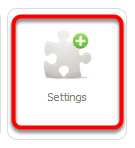
In the Dashboard, click Settings
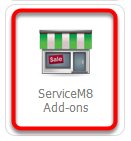
Click ServiceM8 Add-Ons
From the ServiceM8 Add-ons page, scroll down until you find the Partial/Progress Invoicing add-on.
Tick the Partial/Progress Invoicing add-on to activate it
