Partial Invoicing
How to create a partial invoice for existing items
Learn how to create a partial invoice for existing items in ServiceM8.
This lesson will show how to create a partial invoice for items already in the material list.
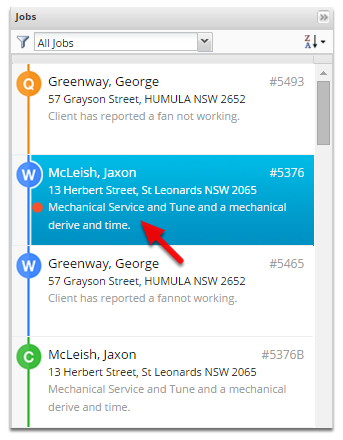
Open the job you wish to invoice a deposit for.
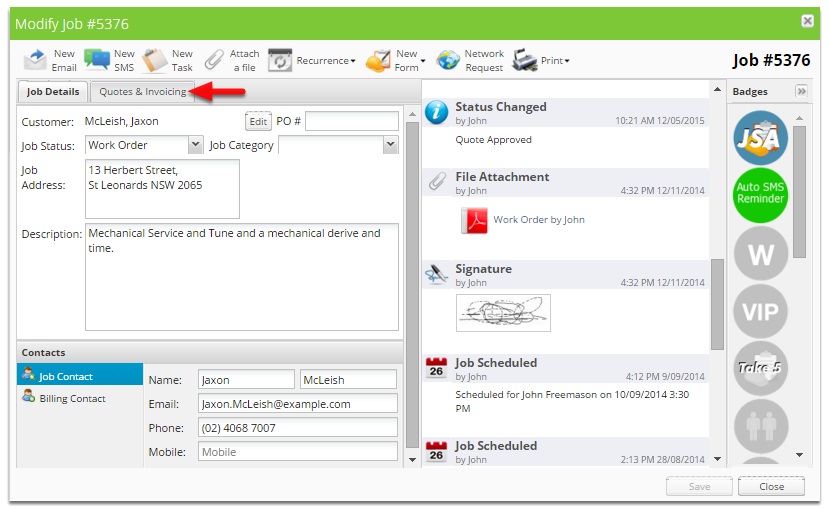
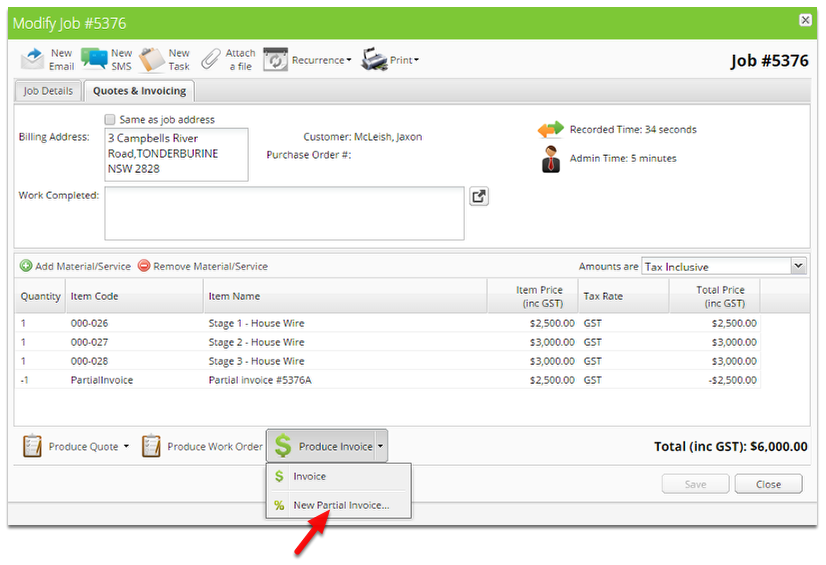
Click Quotes & Invoicing
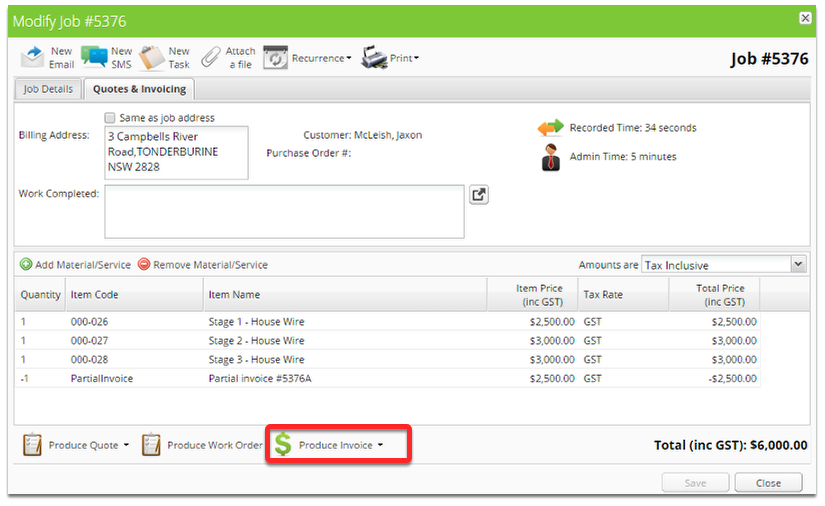
Click the arrow next to Produce Invoice
Click New Partial Invoice
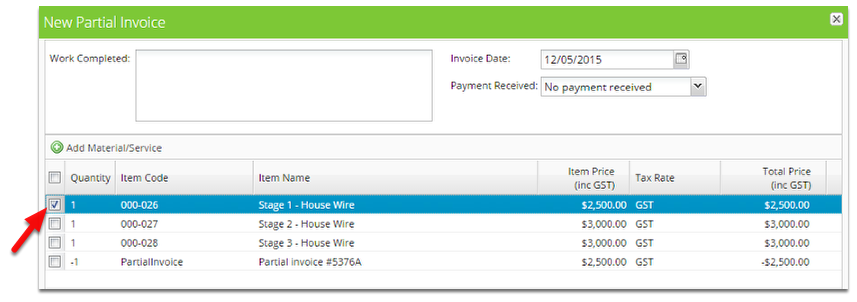
Tick the item you wish to partially invoice for.
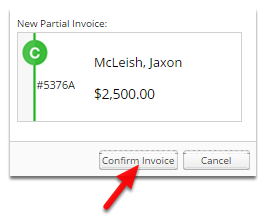
Click Confirm Invoice
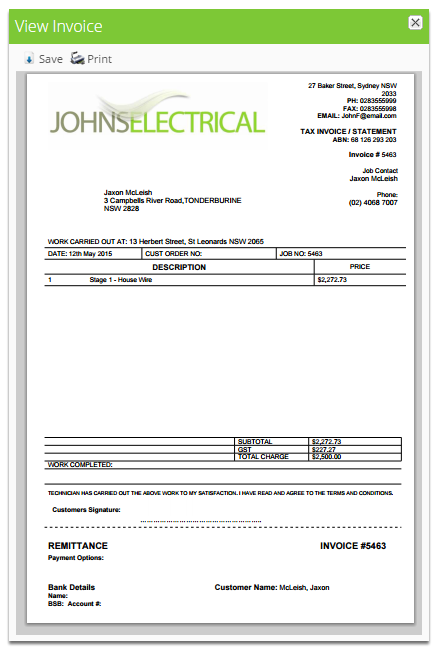
A new completed job will be created with the original job number followed by an alphabetic character.
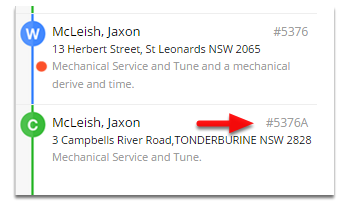
The completed job will be available immediately on the invoicing page.
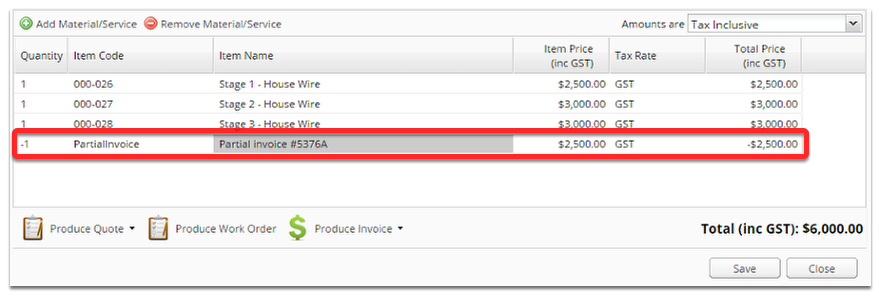
The original job will have a negative partial invoice item added.