

Job Allocations
Job Allocations - How to view and cancel allocations on a tech
Learn about job Allocations - How to view and cancel allocations on a tech in ServiceM8.
This lesson will show you how to view the list of allocated jobs on a staff member and how to cancel an allocated job booking.
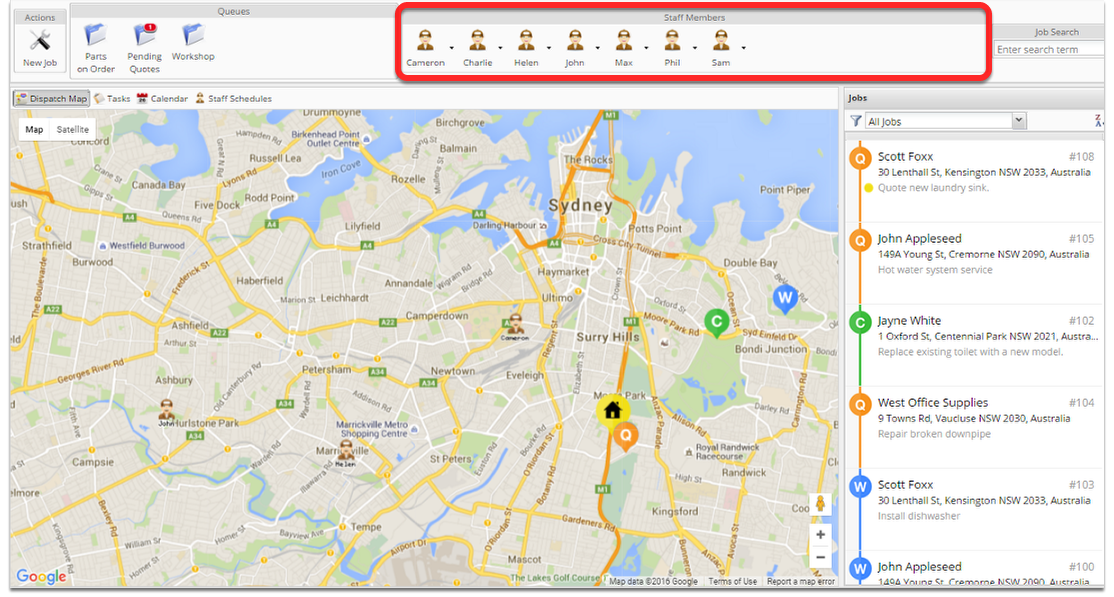
Click on a staff member
The jobs list now displays all jobs allocated to Phil
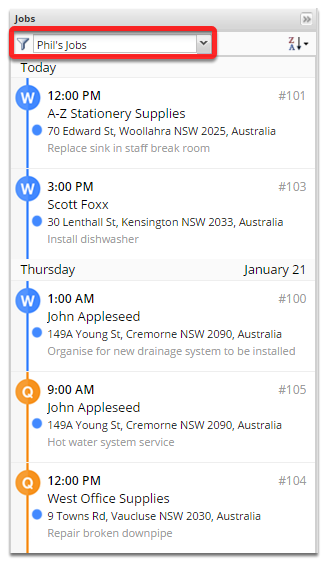
All allocated and scheduled jobs to this staff member will show here. You can also view staff allocated jobs using the jobs filter.
To cancel a job simply right click and click Cancel booking
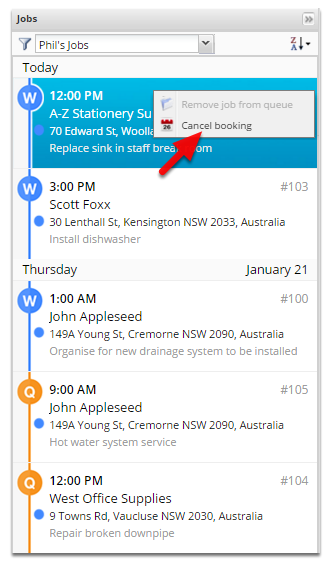
Jobs cancelled online will be removed from that staff members job list on their app.