Stripe
How to integrate with Stripe
Learn how to integrate with Stripe in ServiceM8.
In this lesson you will learn how to integrate your Stripe’s account with your ServiceM8.
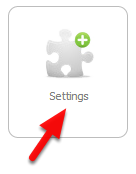
Go to Dashboard, click Settings
Click ServiceM8 Add-ons
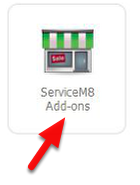
From the ServiceM8 Add-ons page, scroll down until you find the Stripe add-on.
Click Connect

Welcome to the Stripe Integration Wizard
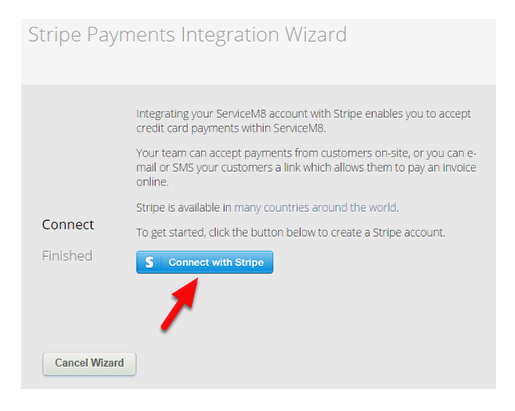
If you don’t have Stripe account, you can create one now. Click Sign in if you already have a Stripe account.
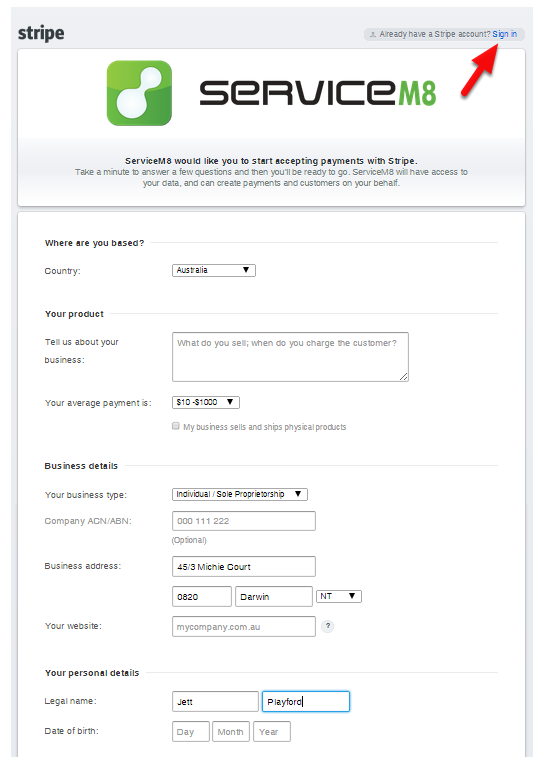
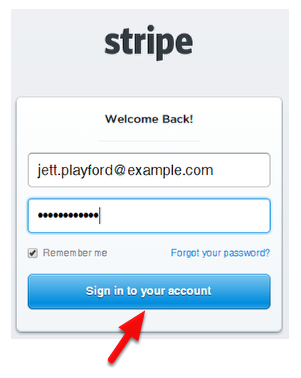
Login to your Stripe account (if you already have one)
To start accepting payments with Stripe, click “Authorize access to this account” at the bottom of the page
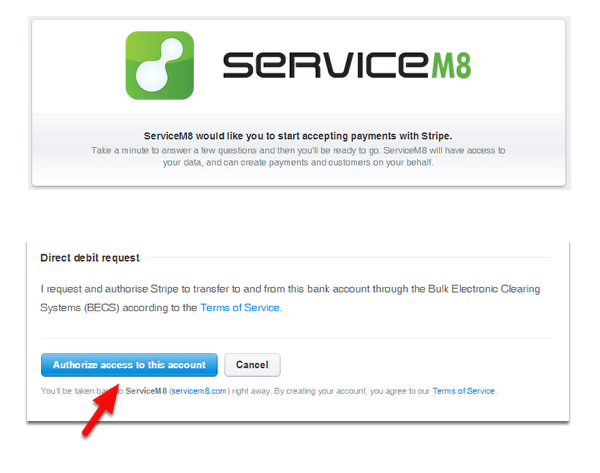
Note: We suggest that you read and understand the Terms of Service from Stripe.
Once successful, click Finish and you’re done!
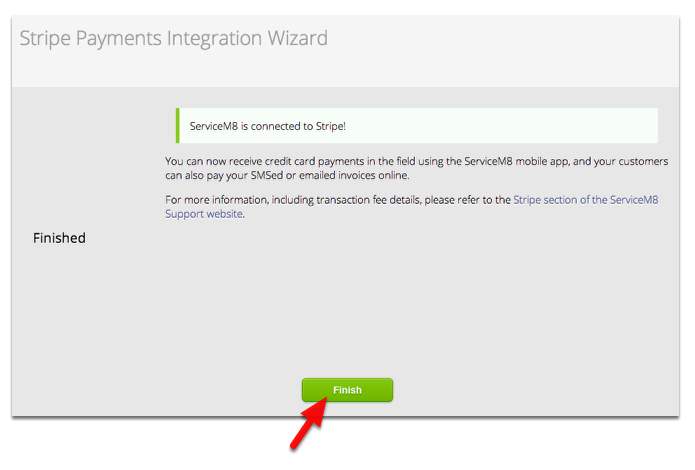
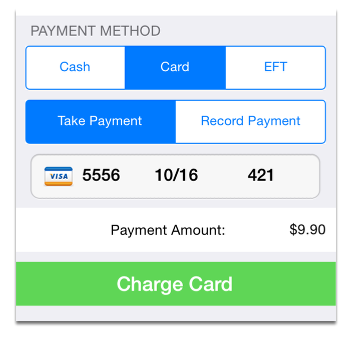
You can now start accepting credit card payments via app or online