Forms
How to create a merge field on Mac
Learn how to create a merge field on Mac in ServiceM8.
This lesson will show you how to create a merge field from scratch using MS Word on your Mac device. This applies to your custom templates for quotes, work orders, invoices and forms.
Open the document template on MS Word

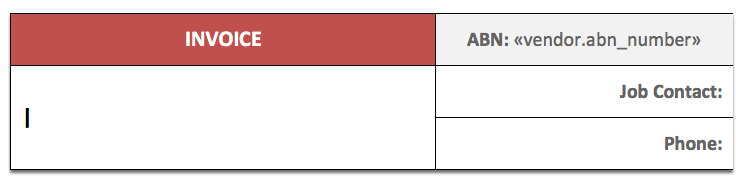
Position the cursor in the area you want to insert the merge field
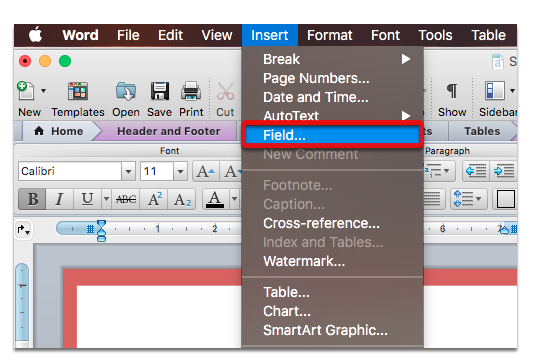
From the menu, select Insert > Field…
In the Mail Merge categories, select MergeField
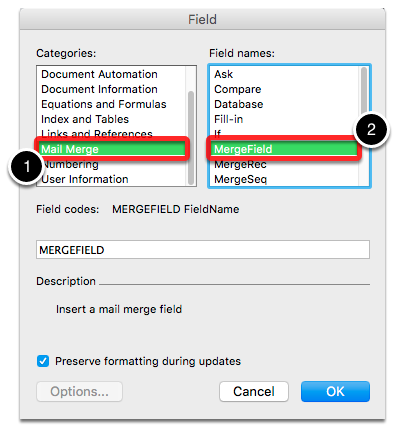
Enter the template field’s name in the MergeField text box
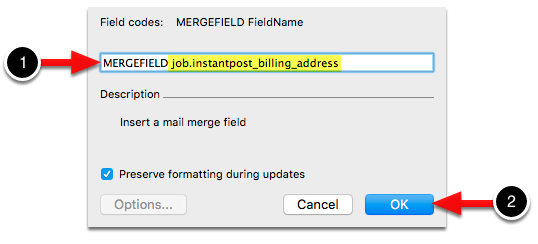
Click OK and that’s it.
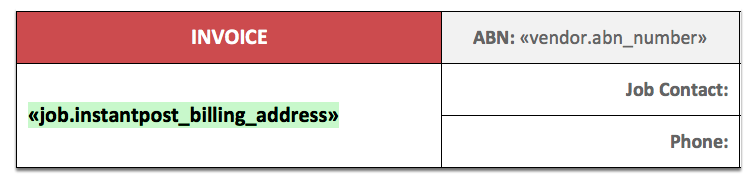
You can toggle field codes to see the actual code that’s been inserted.
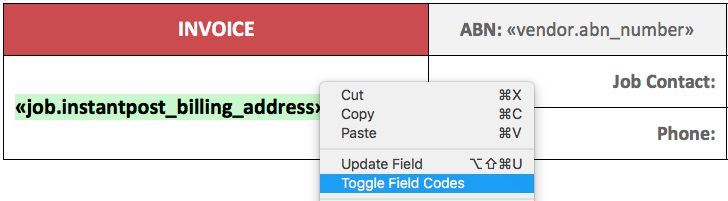
Highlight the template name code then right-click and click Toggle Field Codes.
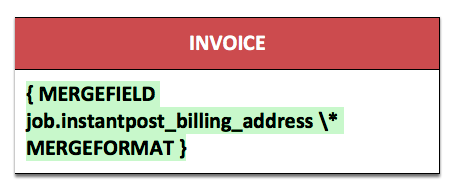
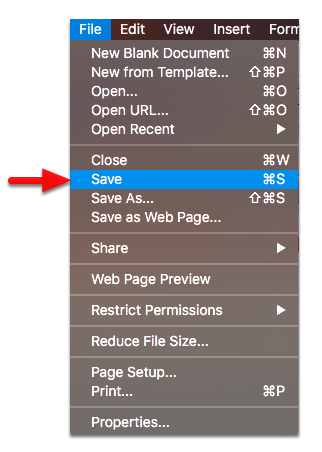
Don’t forget to save the template once you’re done.