Client Sites
How do I link existing client sites to a head office?
Find out how to link existing client sites to a head office in ServiceM8.
From the Online Dashboard, you can link one or more existing clients as sites to a head office. Take this action if all work completed at the client site is paid for by the head office. See this article for more information about client sites and the free Clients Sites add-on.
Note that before you can link an existing client to a head office, the head office must be set up as a client in ServiceM8.
To link one or more existing clients to a head office:
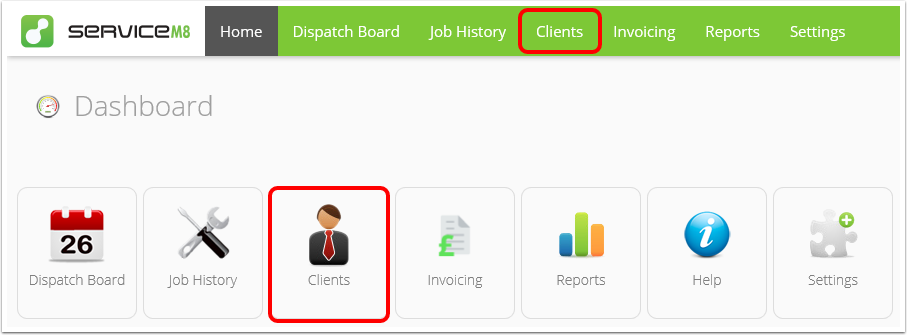
- From the Online Dashboard, click Clients.
-
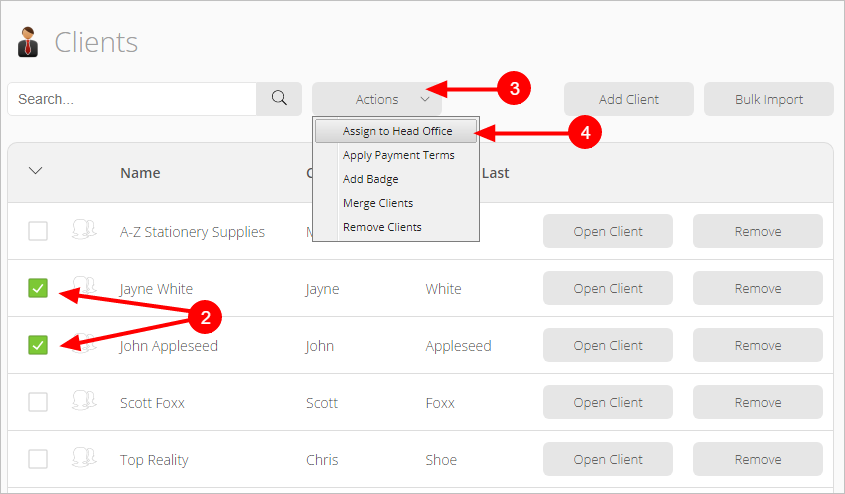
Find and select the existing client you want to add to a head office. You can select more than one location at once.
-
Click Actions.
-
Click Assign to Head Office.
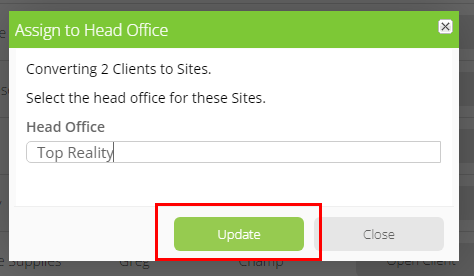
- A pop-up window will appear. Start typing the name of the head office site in the search bar and click it when it appears.
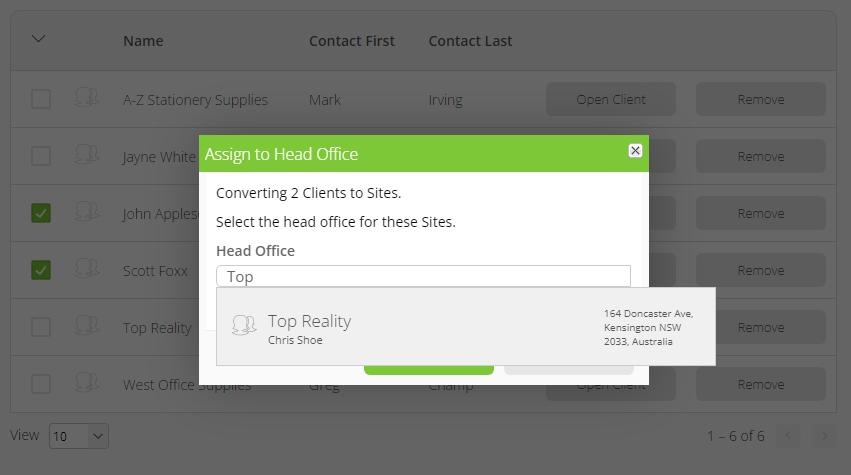
- Click Update.
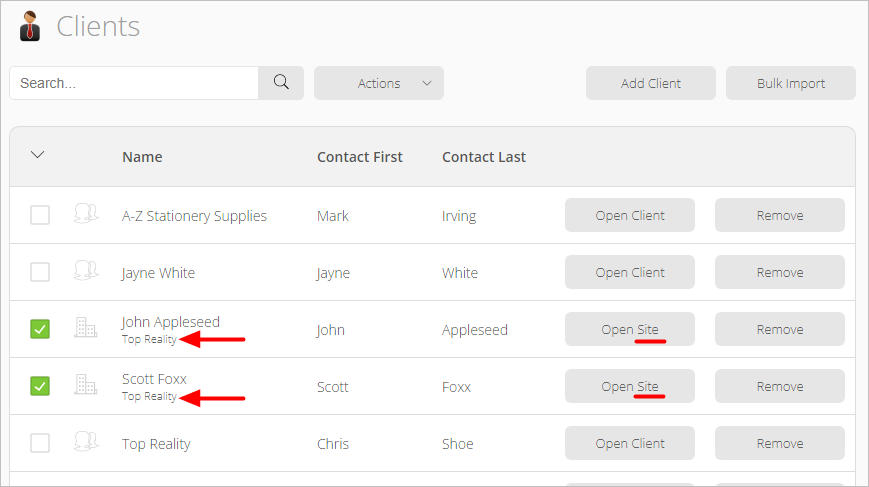
The Clients list will now refer to the existing clients as sites, with the head office name indicated below the client name.
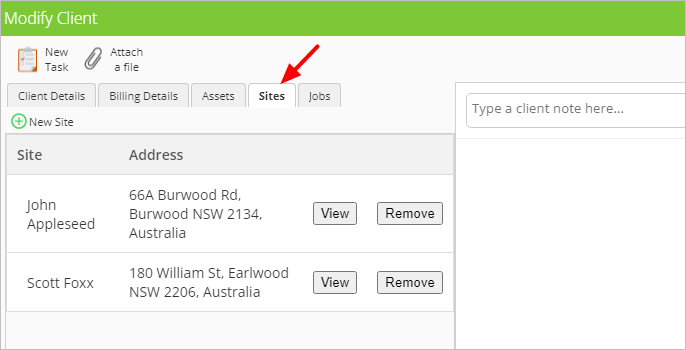
If you open the head office site, you will see the existing clients now listed under the Sites tab.