To activate add-ons in ServiceM8:
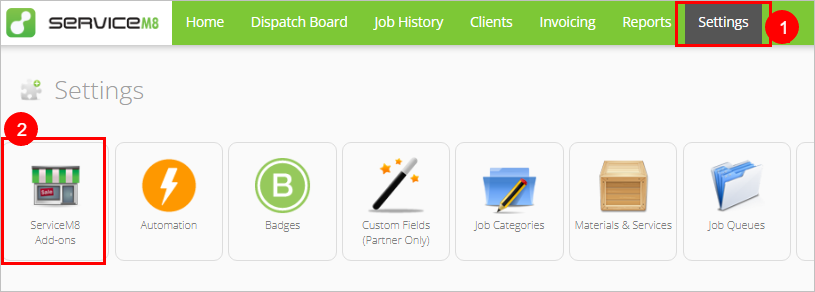
- From the Online Dashboard, go to Settings.
- Click ServiceM8 Add-ons.
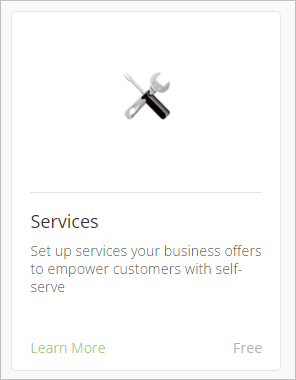
- Search or browse the directory to find the add-on, then click it. The example below is the Services add-on.
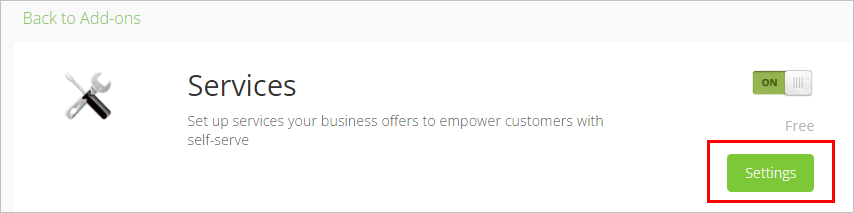
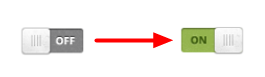
- Click OFF to toggle it ON. Your add-on will activate.
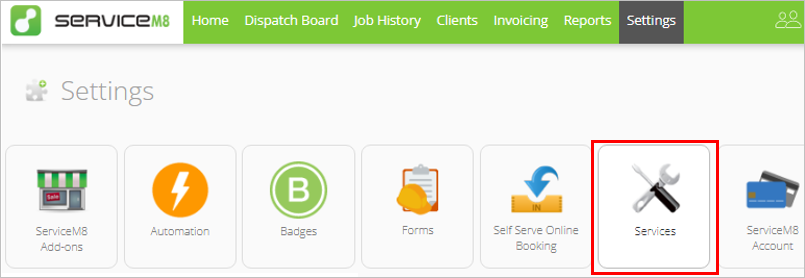
- Depending on the add-on, a Settings button may appear. The add-on will also now display as an icon in Settings and can be configured at any time.