To link one or more existing clients to a head office:
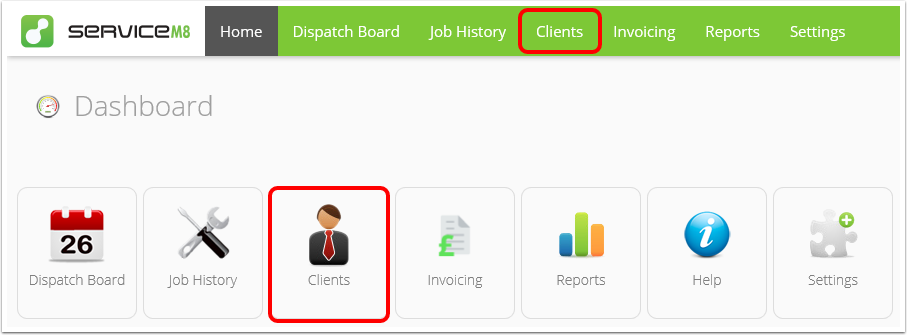
- From the Online Dashboard, click Clients.
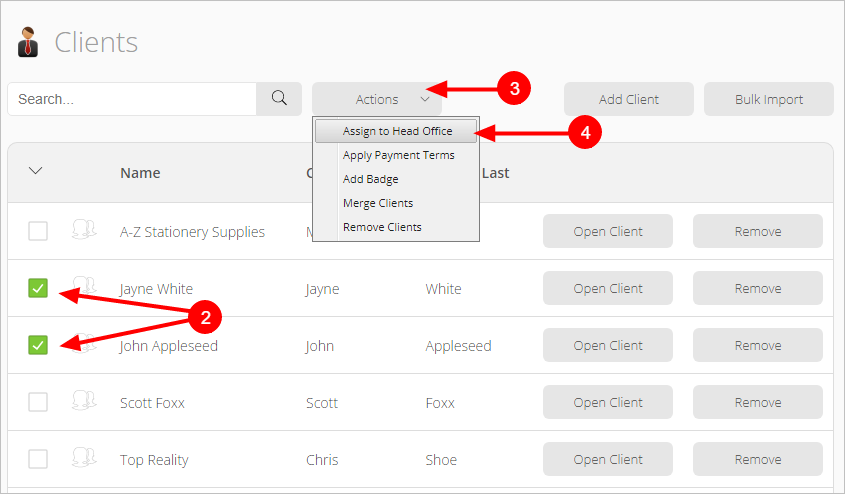
- Find and select the existing client you want to add to a head office. You can select more than one location at once.
- Click Actions.
- Click Assign to Head Office.
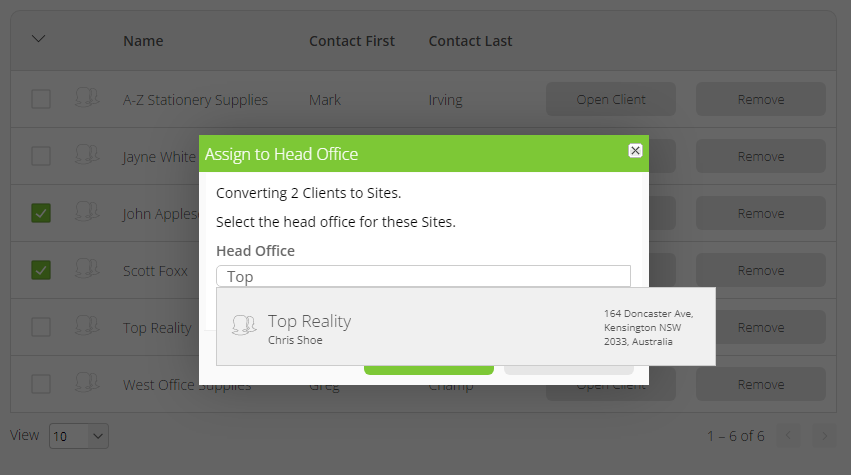
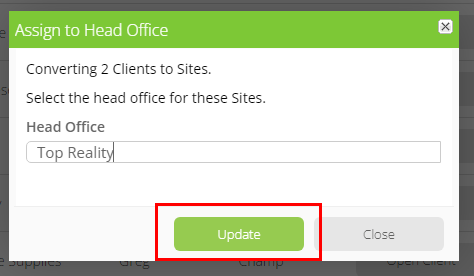
- A pop-up window will appear. Start typing the name of the head office site in the search bar and click it when it appears.
- Click Update.
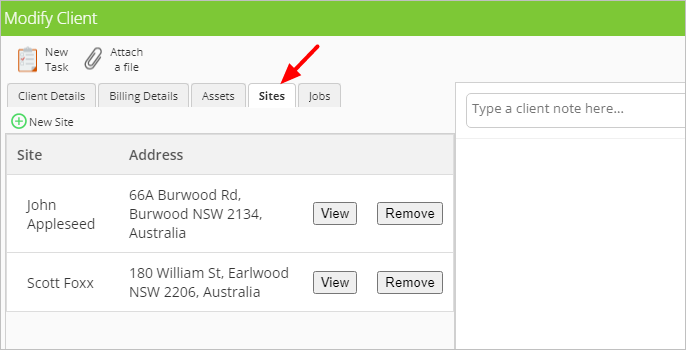
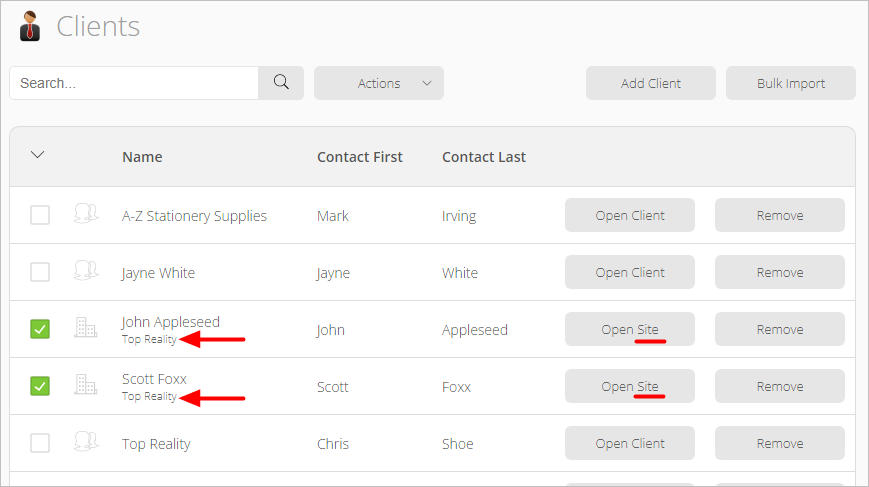 If you open the head office site, you will see the existing clients now listed under the Sites tab.