

Understand the basics
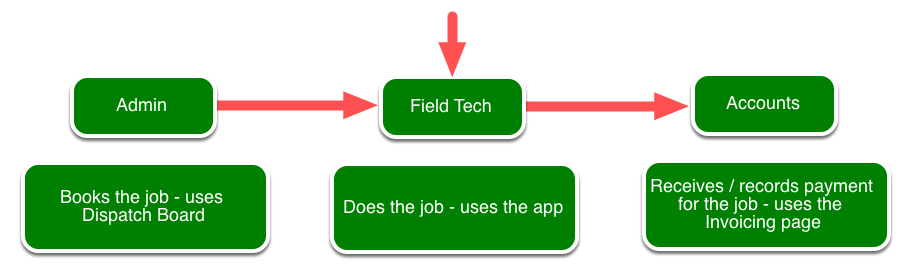
Overview: Life of a Job for an Electrician business in ServiceM8
Get an overview of life of a Job for an Electrician business in ServiceM8.
This lesson will show the life of a job within a Electrician business, this business has an admin staff member, an accountant and two electricians. Although we have used an electrician business for this example, the job process is very similar for a plumber, locksmith, fridgy, etc. Basically any business that does work on site and has an admin person and techs.
Client calls, they need two power points moved
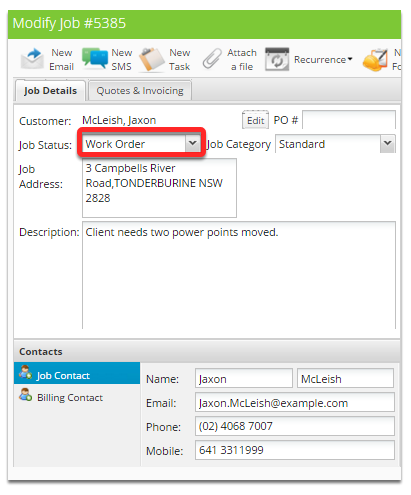
Status has been set to Work Order as the client doesn’t want a quote.
Admin takes the phone call, takes down the customers details and the work required.
Client is available at 3pm.
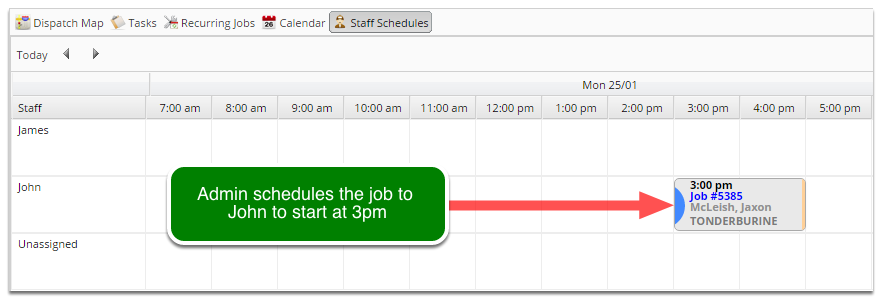
The admin drags the job onto John the electrician’s schedule at 3pm.
This job is now in the field techs responsibility
John receives notification on his device that his schedule has changed.
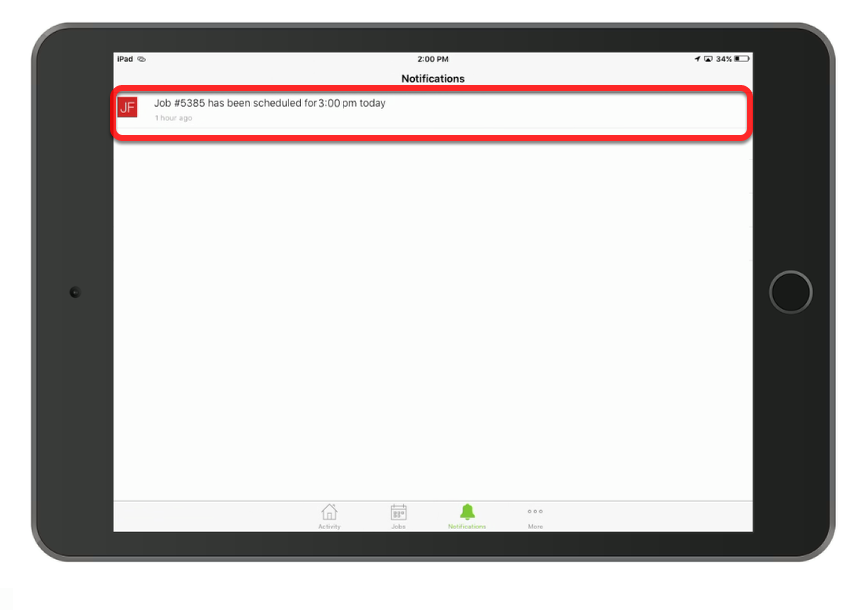
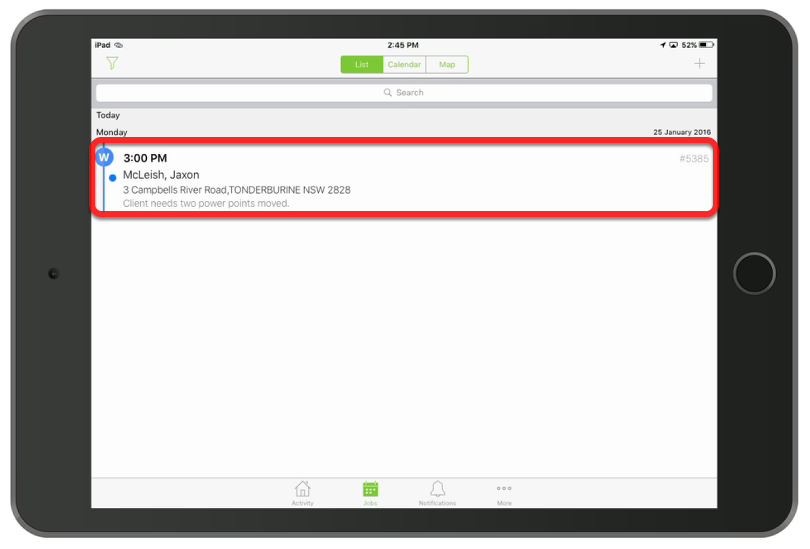
At 2:45 John opens his schedule then opens the job
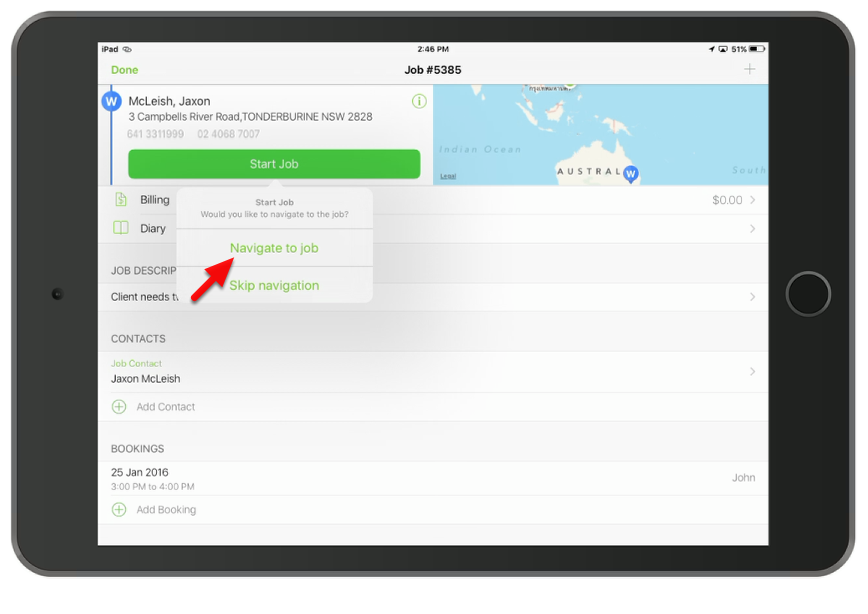
Then John navigates to it and notifies the client
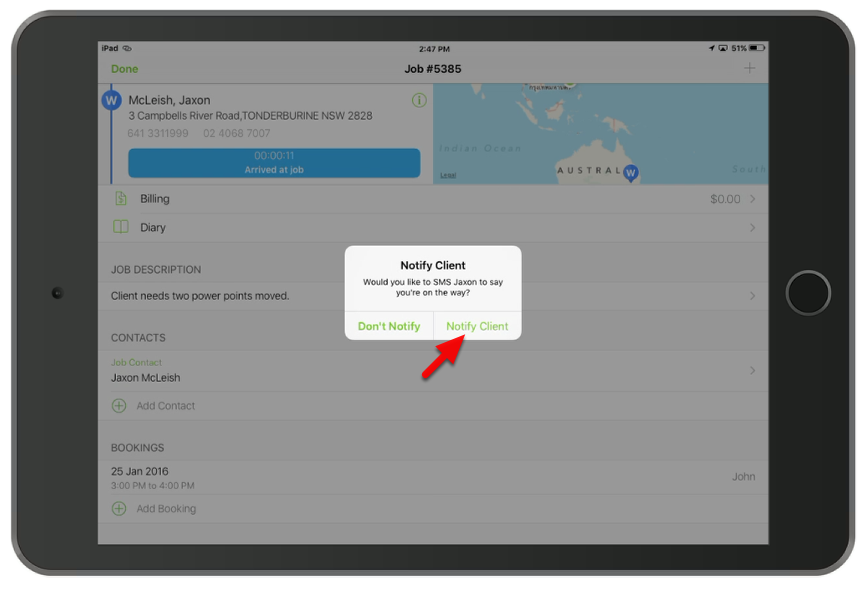
ServiceM8 gives you the option at this point to automatically notify the client.
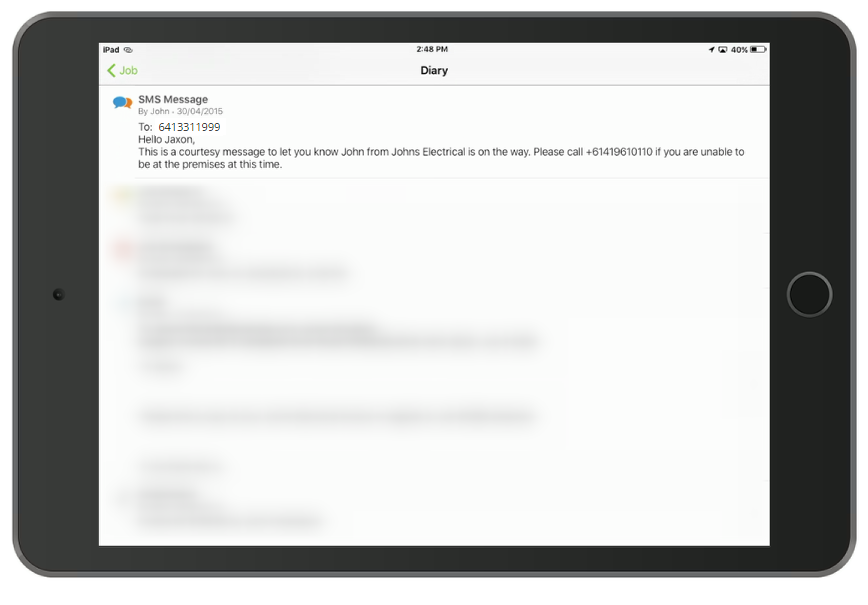
Sample SMS message below which is store in the job diary
When John gets to the house he re-opens the job
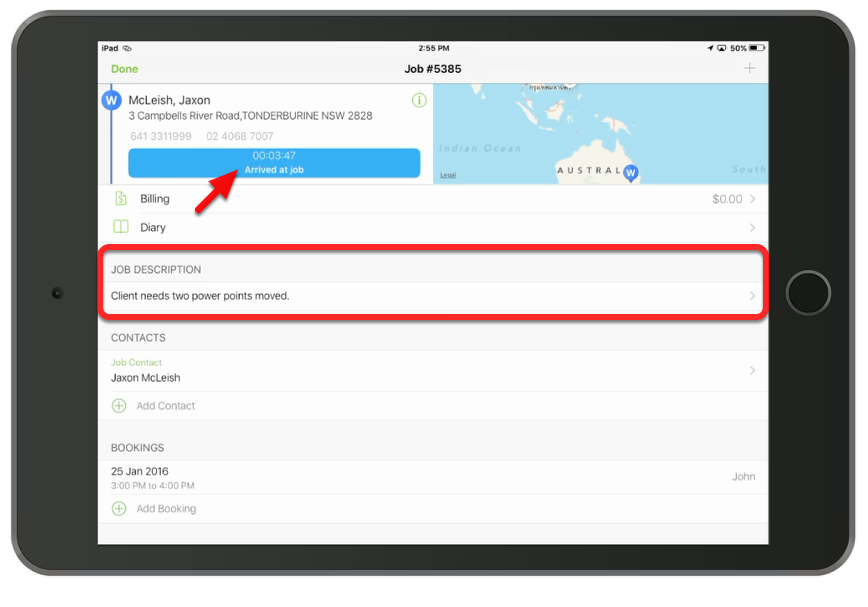
John can see the work he needs to do and has the client’s information on the job card.
John does what he does best

Once complete, John takes a photo of his handy work.

Then records the work that he did
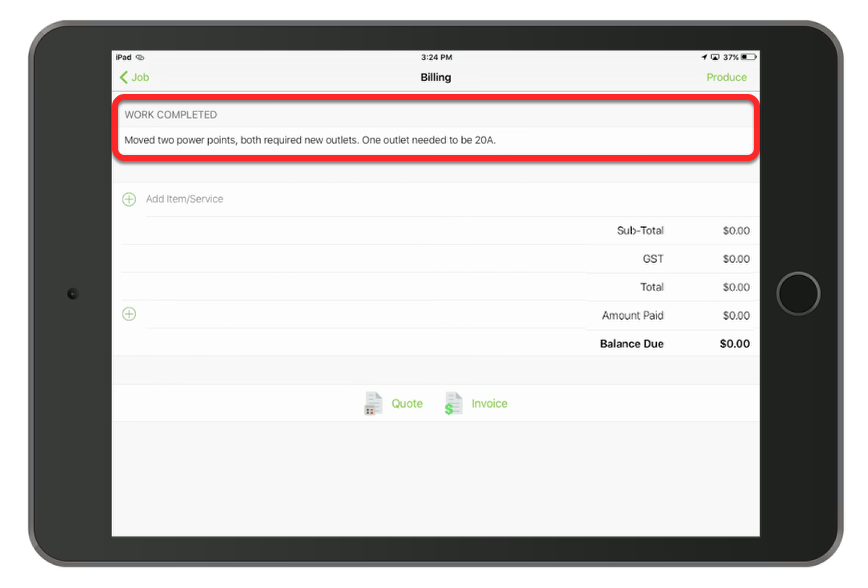
John records the work that he did.
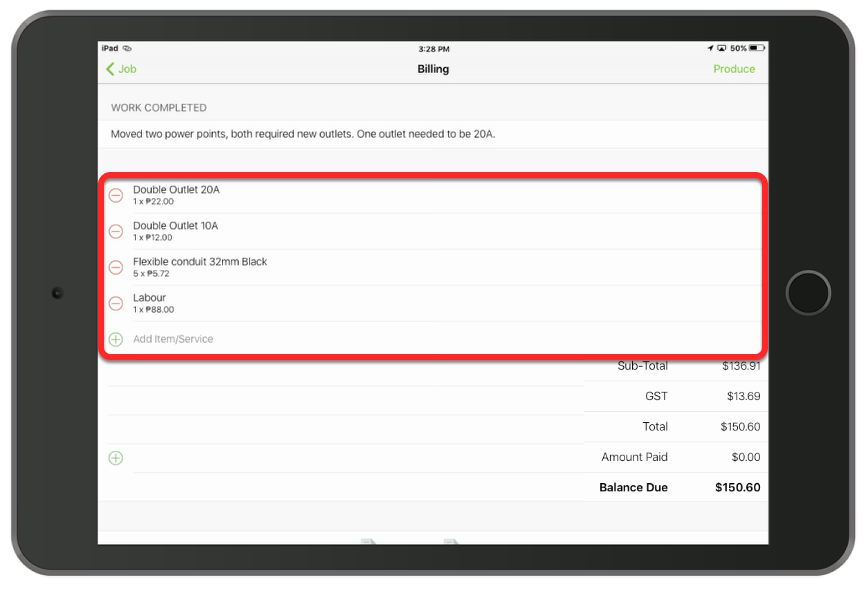
John now goes to the billing tab, where he enters the materials and labour used
He then checks out of the job
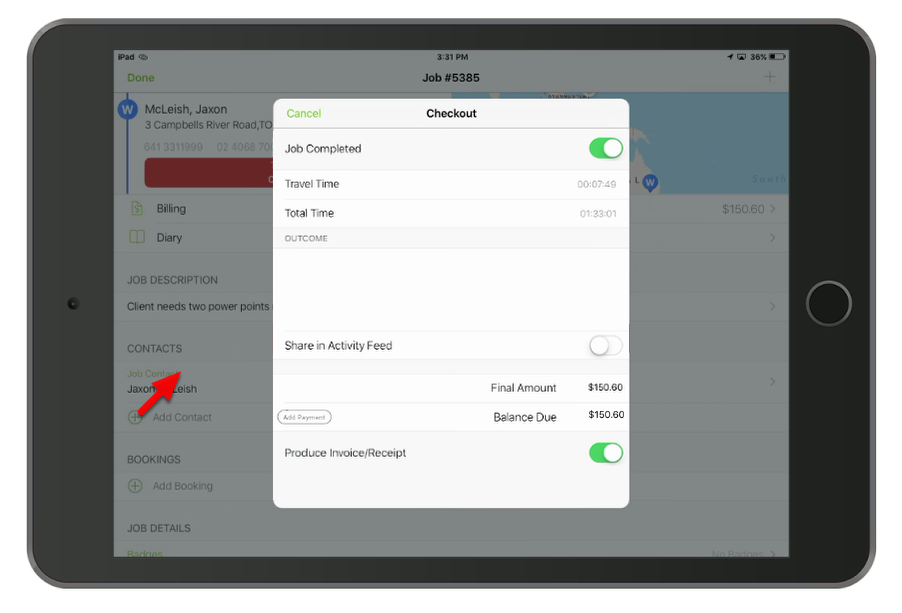
He marks the job as complete and selects to produce invoice.
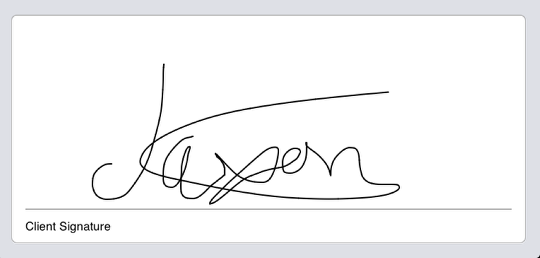
John gets the client to sign that the work was completed to their satisfaction
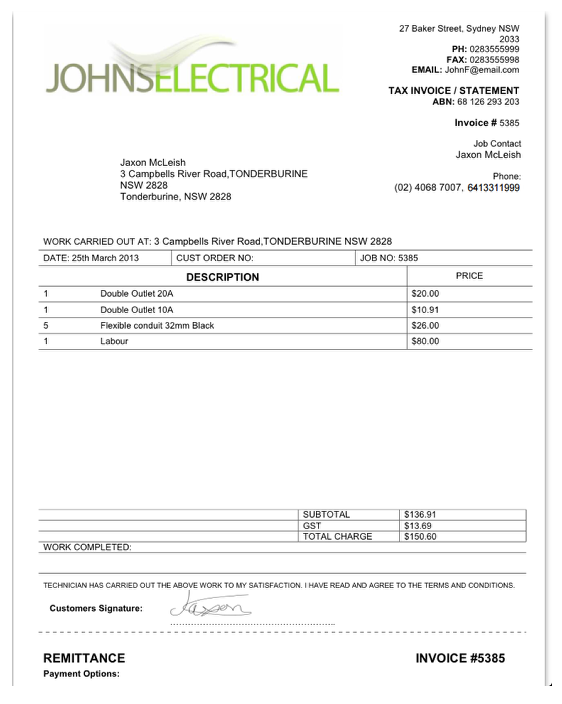
Finally he hits send
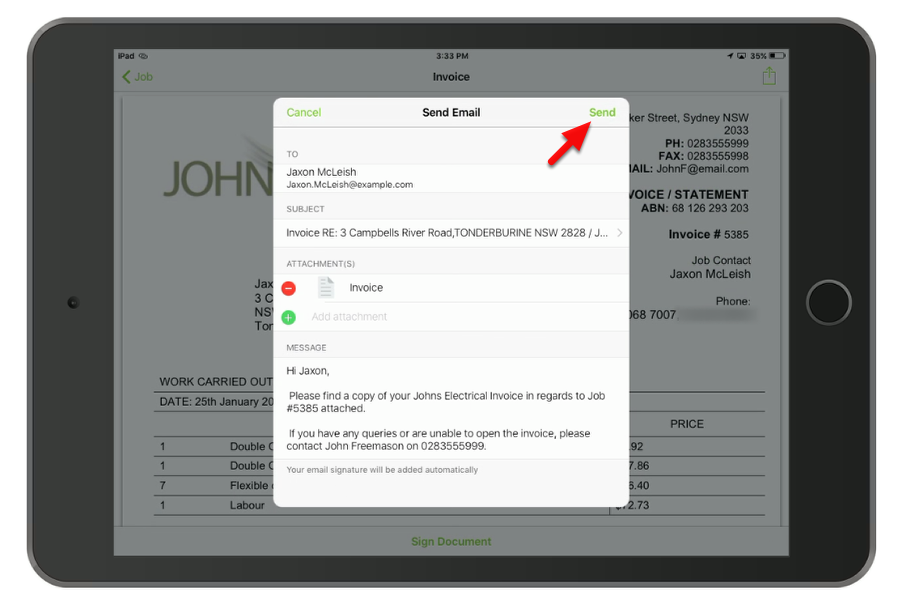
John then moves on to his next job - This job is now in the accountants responsibility
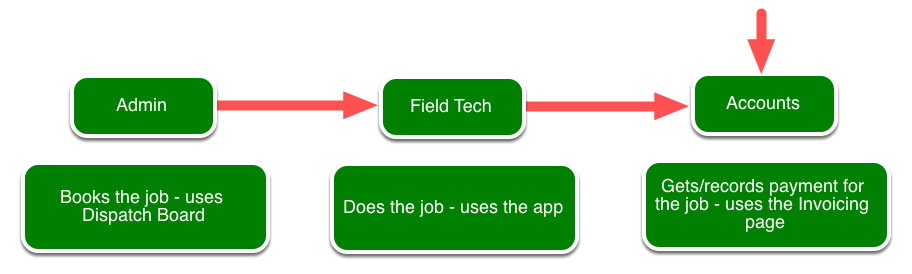
This business has an accountant, for business’ that don’t this job would fall back to the admin staff.
Online: On the Invoicing tab under awaiting approval, the accountant approves the job.
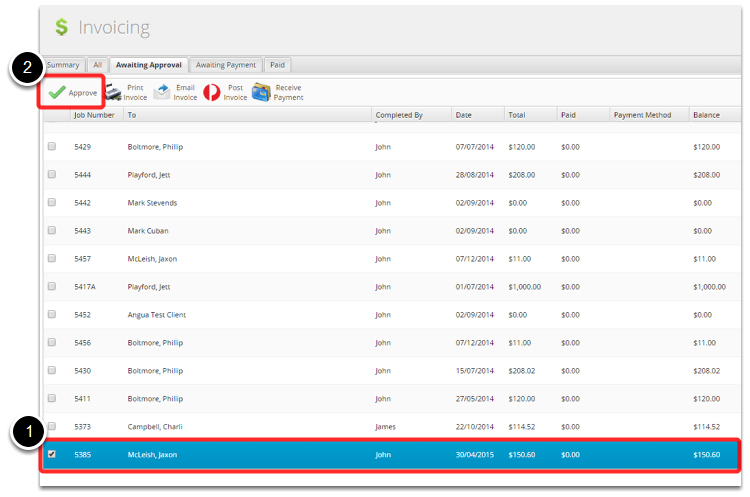
The awaiting approval status would is used when management want to check all invoices that go to clients, in this case, john would have chosen not to issue the invoice and it would be done after approval.
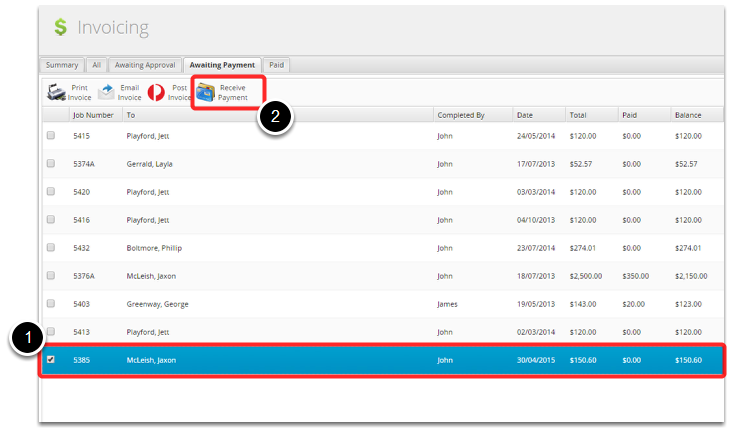
Online: When the client pays for the work the accountant records that the payment is received.
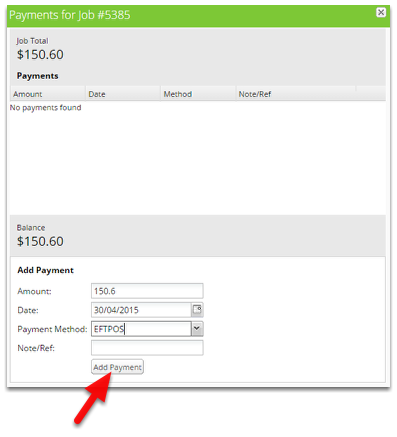
The client paid in full via Eftpos
The job will now move to the Paid tab
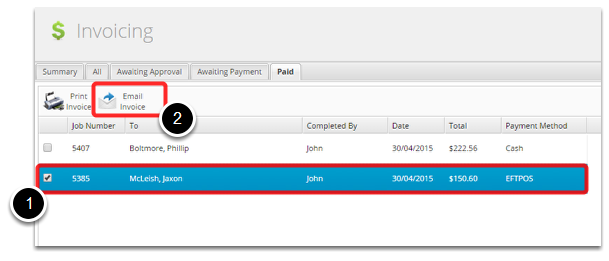
The accountant may issue a receipt of payment by email.
The client may want a receipt of payment, this is done by producing an invoice one payment has been received.
That’s It!
The job will remain on the paid tab for 2 weeks before disappearing, from there the job will be stored in the system forever for reference. Old jobs are brought up using the search function on the dispatch board.