

Understand the basics
Overview: Life of a job for a sole trader Electrician
Get an overview of life of a job for a sole trader Electrician in ServiceM8.
This lesson will show the life of a job for a sole trader electrician. Although we have used an electrician business for this example, the job process is very similar for a plumber, locksmith, fridgy etc. Basically any tradie does work onsite and doesn’t have admin staff.
Client calls, they need a fan motor fixed

John the electrician creates a new job on his iPad
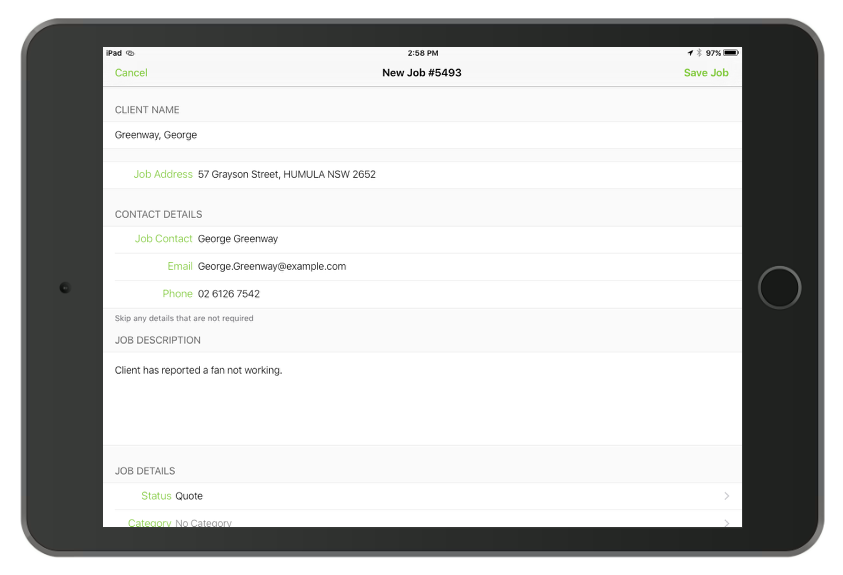
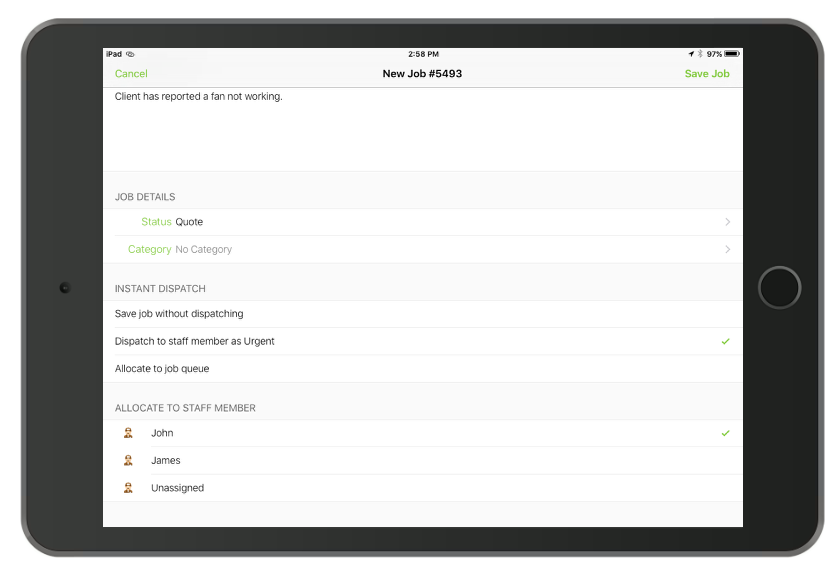
He creates a job for the new customer, enters the clients issue and then allocates the job to himself.
John is free now so he heads off to the job
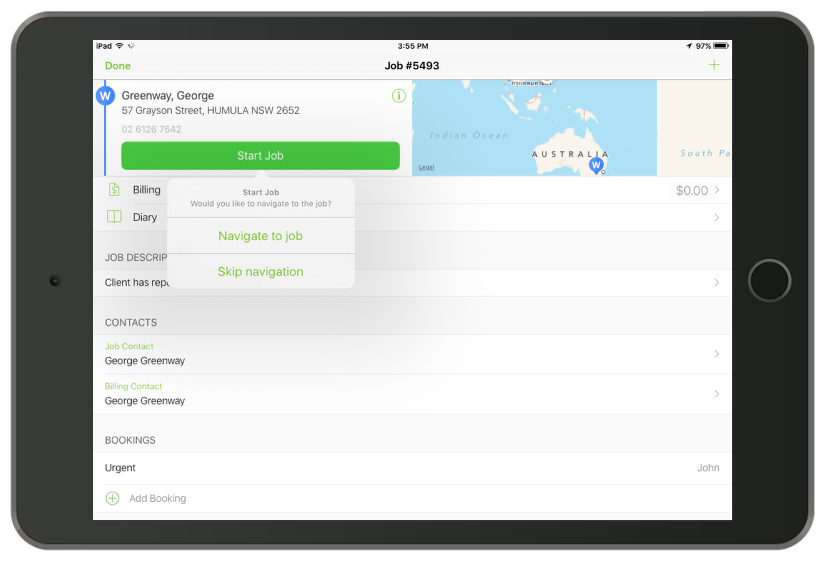
He goes to the Job then tap Start Job and hits Navigate to job.
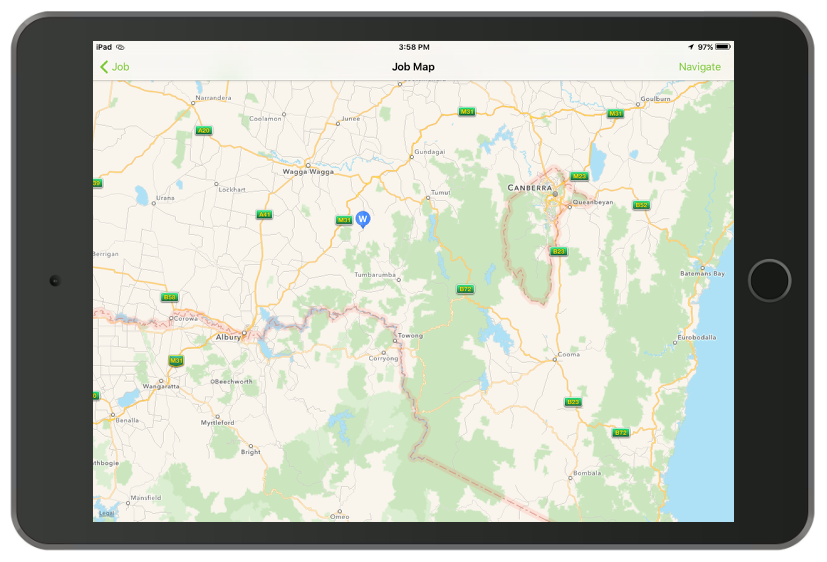
He arrives at the site
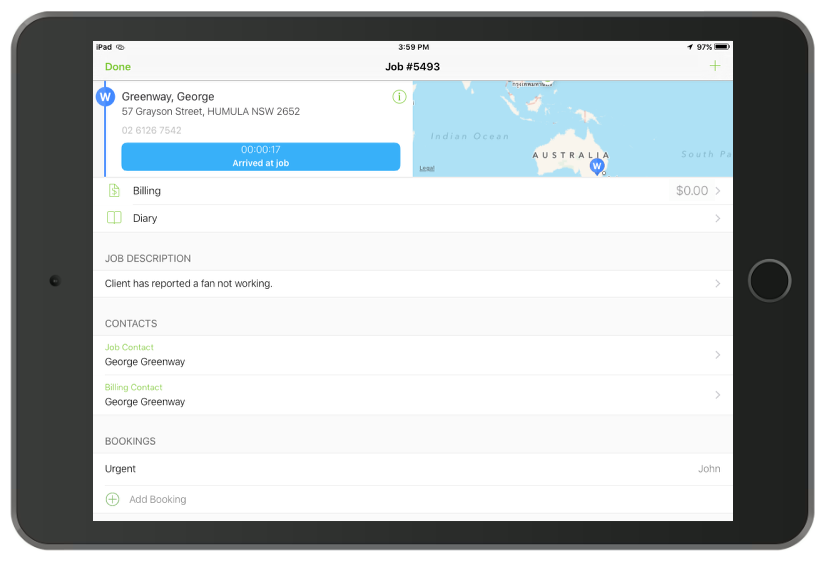
He opens ServiceM8 and re-reads the job and the clients name.
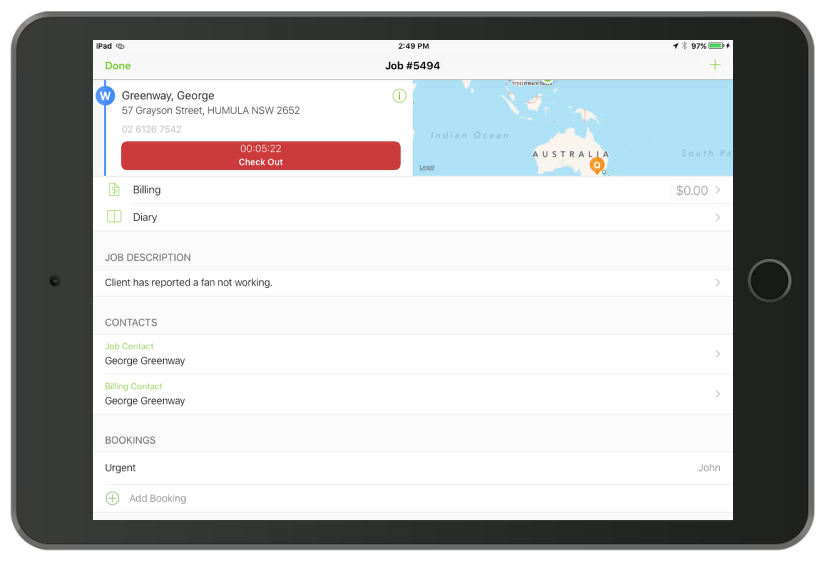
He fixes the fan

John then adds the materials and labour he used
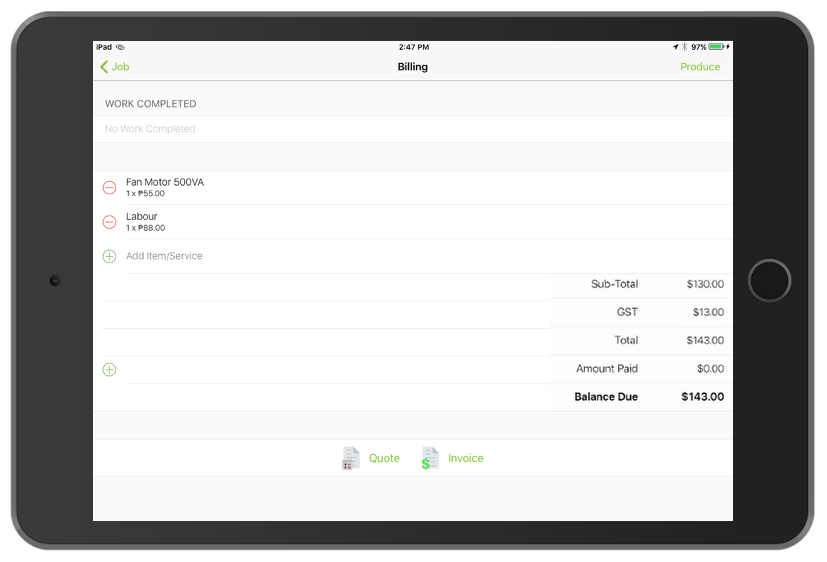
He opens the Billing window and adds each item/service he used.
Enters the work he did in work completed
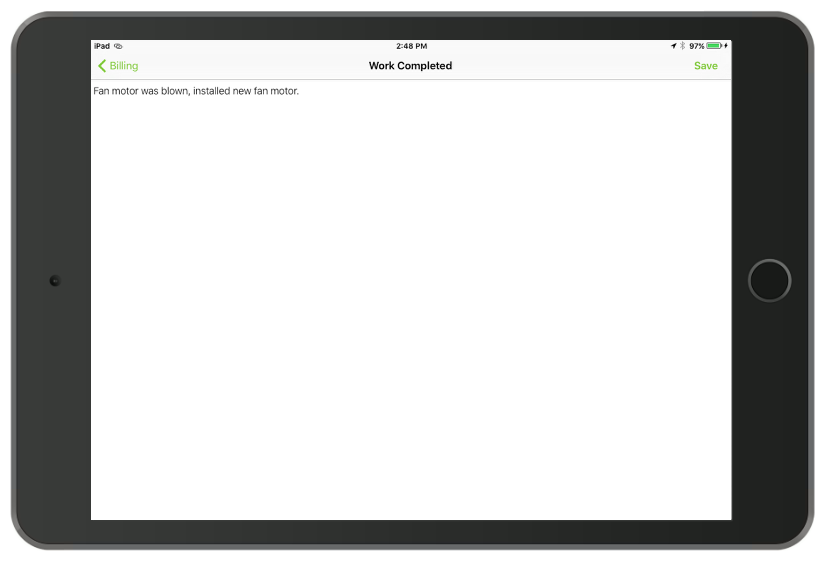
From the Billing window he enters the work he did in work completed.
He then checks out of the job, the client is to paying by card with a mobile eftpos machine
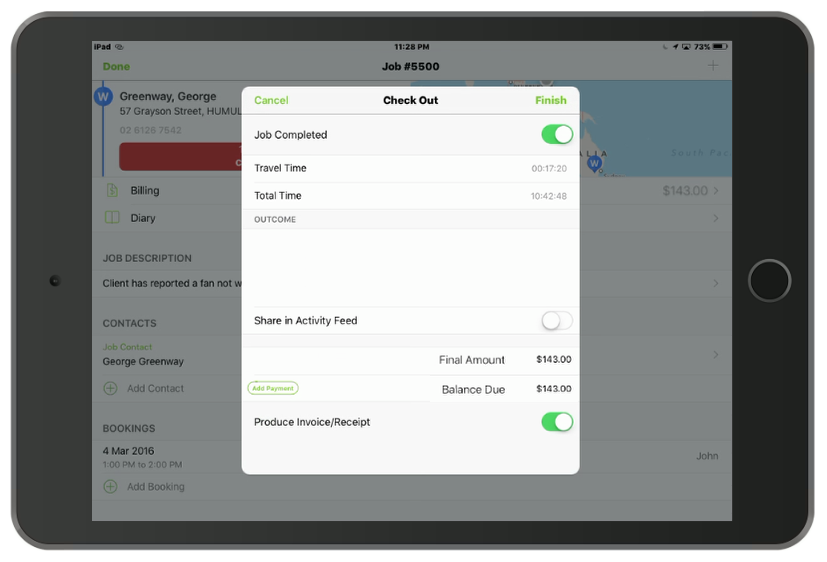
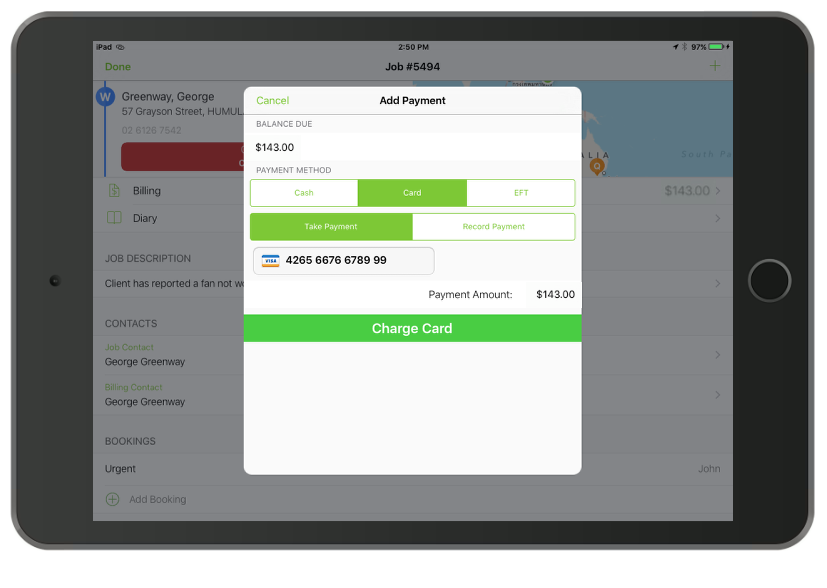
He hits check out which takes him through the check out process, here he selects that the job is complete, that payment has been received, selects the payment type, then to issue the receipt by email.
ServiceM8 brings up a preview of the invoice with the option to sign
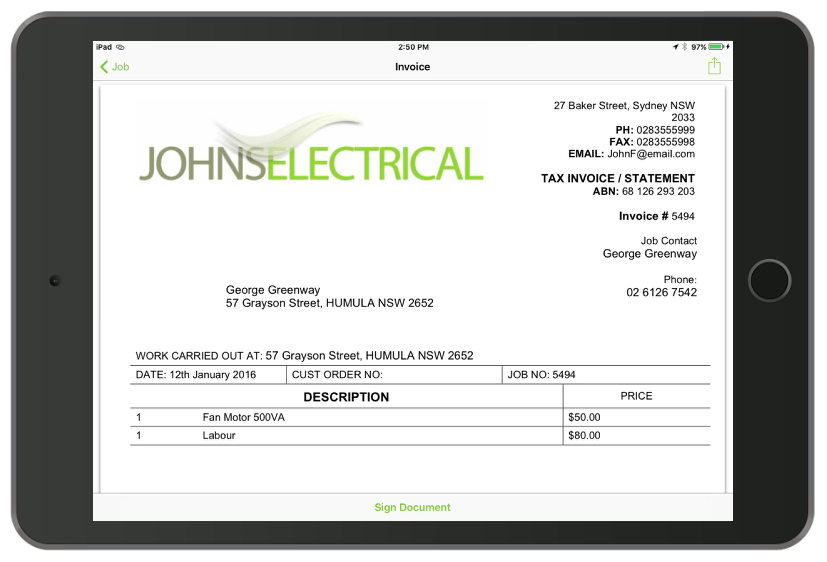
John gets the customer to sign that the work was completed to their satisfaction
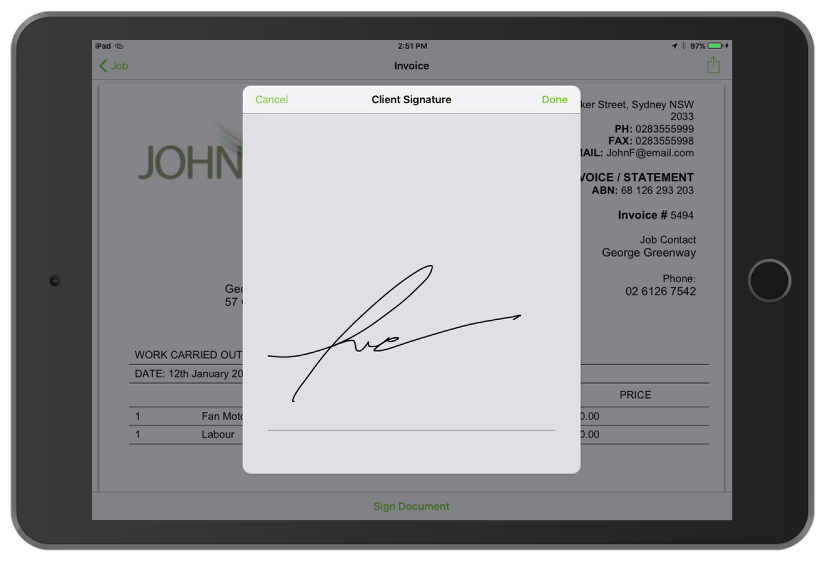
Finally he hits send to issue the client with a receipt
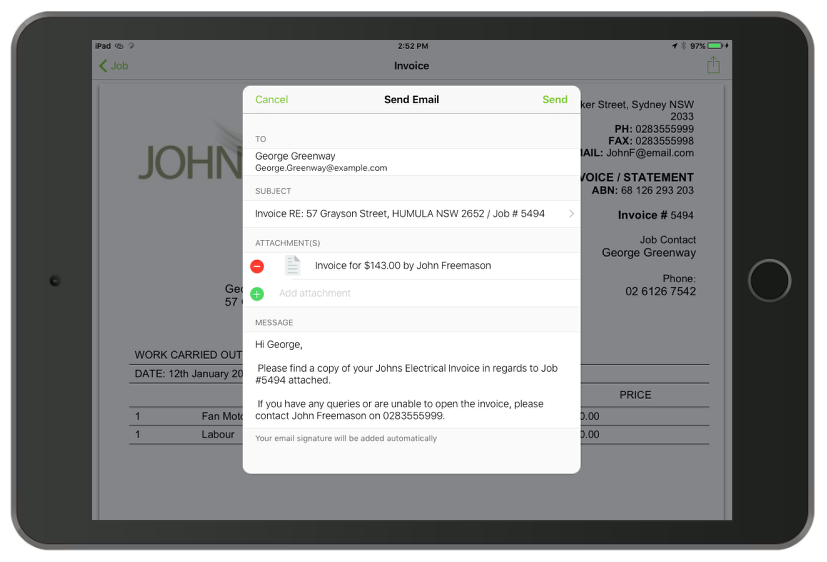
That’s it, the job is complete and the paperwork is done.

John goes to his next job.