

Set up your account
Creating a ServiceM8 account
Learn how to create a ServiceM8 account in ServiceM8.
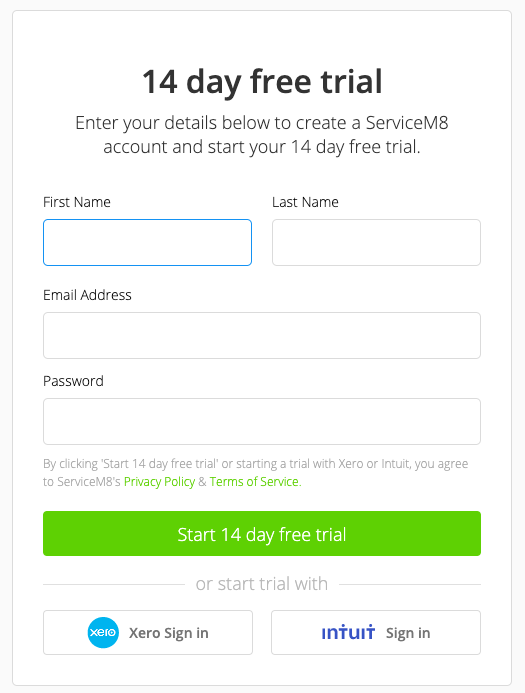
Create an account online at https://www.servicem8.com/register or through the ServiceM8 app available on Apple’s App Store, and you’ll be guided through an account setup wizard to set your business information, logo, settings & preferences. These can be revisited at any time in your Online Dashboard by navigating to Settings > Preferences.
Once you have signed up check out our Getting Started Guide to help you get set up! /help-center/getting-started