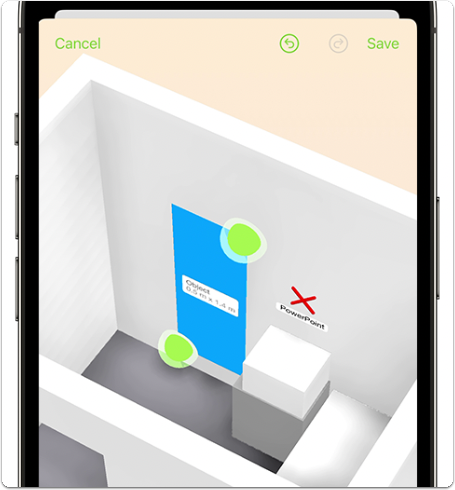
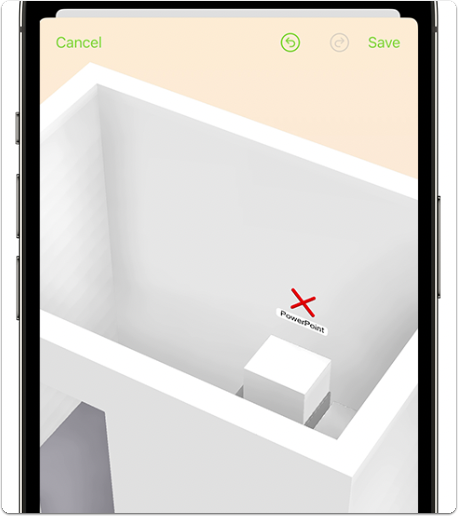
How to start a Room Scan
1. Open a job card in the ServiceM8 app, tap the ellipsis (three dots) in the job action bar, then Room Scan: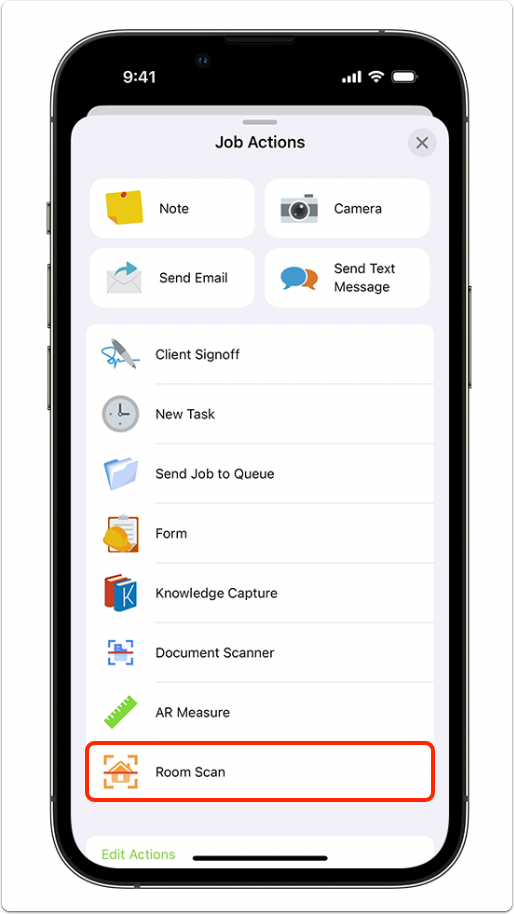
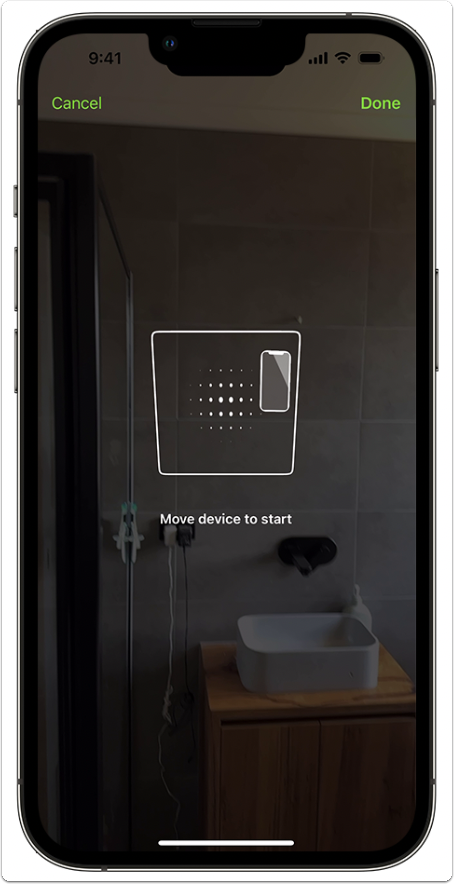
How to review a Room Scan
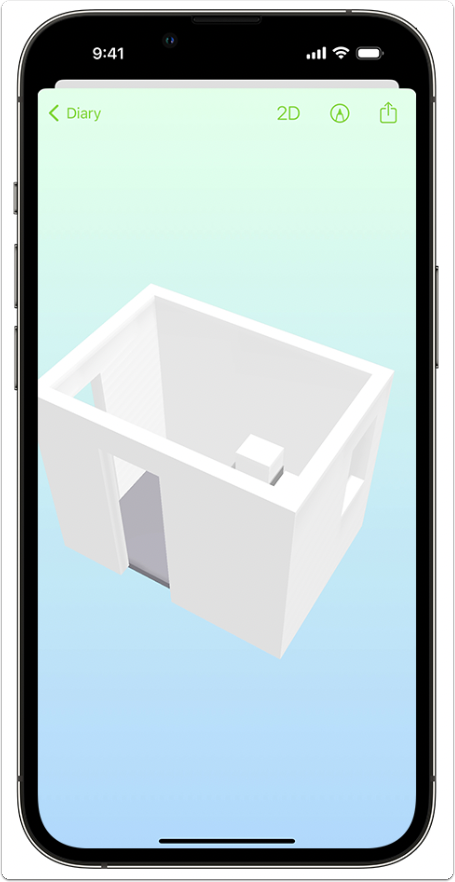
Tap the Room Scan in the jobs Diary to open. Use your fingers to change your view:- Hold and drag with one finger to spin and tilt your Room Scan model.
- Hold and drag with two fingers to move your Room Scan up, down, left & right.
- Pinch and expand with two fingers to zoom in and out.
How to measure and mark up a Room Scan
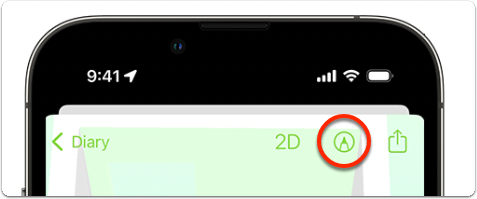
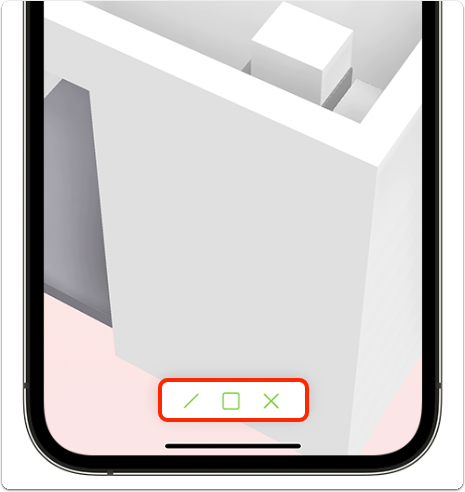
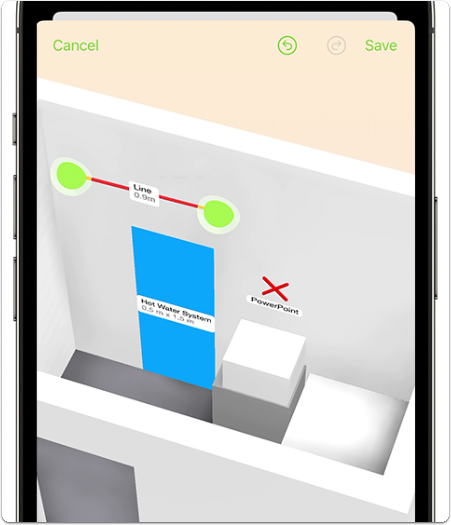
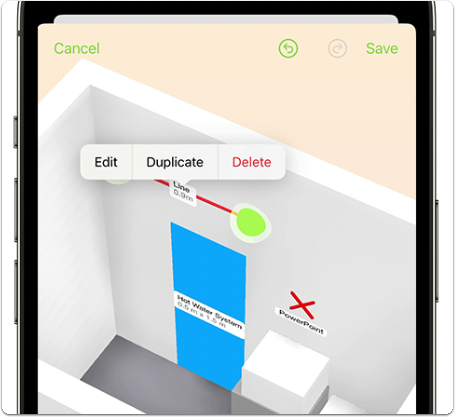
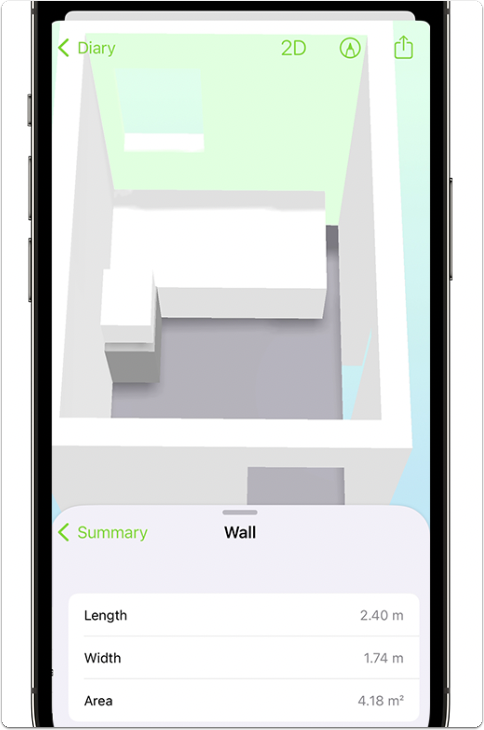
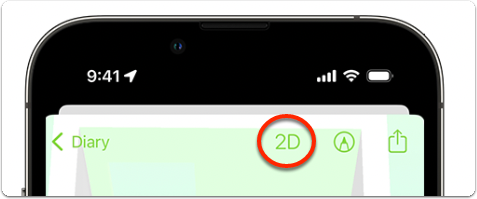
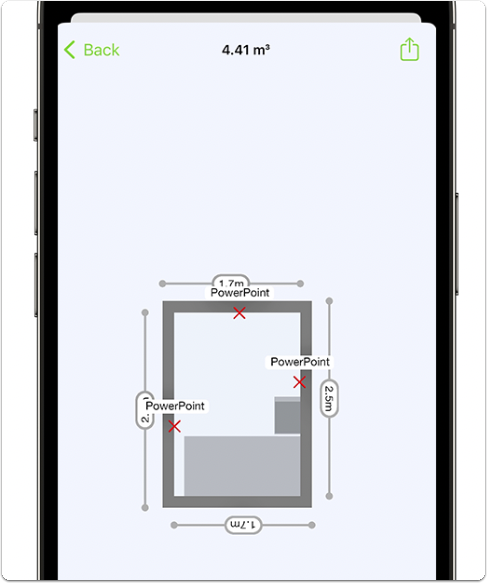
In the 3D view of your Room Scan model, tap the markup icon to reveal the measure and markup tools: