

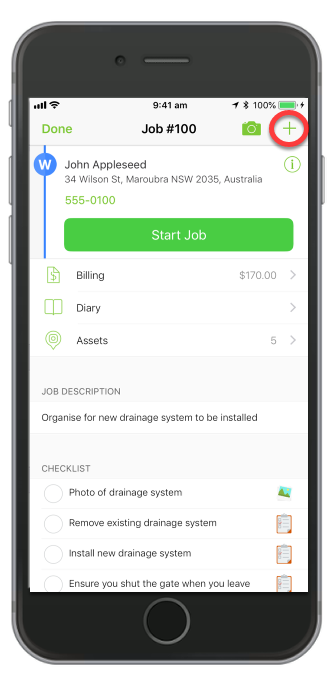
Open a job and tap the Job Action menu ”+”
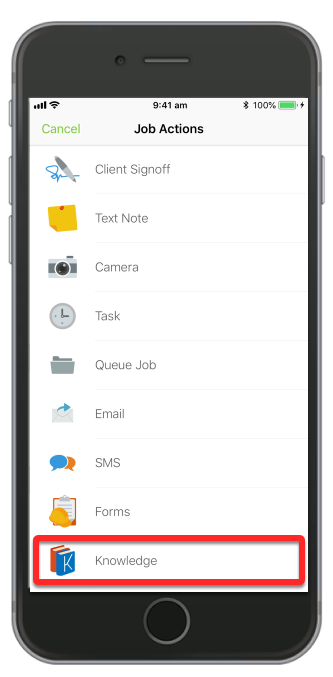
Slide down and tap Knowledge
Tap Add Knowledge Article

Or you can go to More, then tap Knowledge

To add a Knowledge article, tap ”+”

Tap Add Knowledge Article

Add a title name, create your content, and add tags

Tap Add New Tag to create a new one
 NOTE: with Knowledge tagging, the tag’s text must be an exact match of an Item Name, Item Number, Client Name, or Service Name. Use a comma if you would like to tag another Material, Client or Service. Ensure there are no commas within the tag itself.
Then tap Save

You’ve now successfully added a Knowledge article!

If information in a job is matched to a Knowledge article’s tag, then that article will be accessible within the job as shown here:
 Tags:Knowledge Base,Knowledge-Base