


How it works
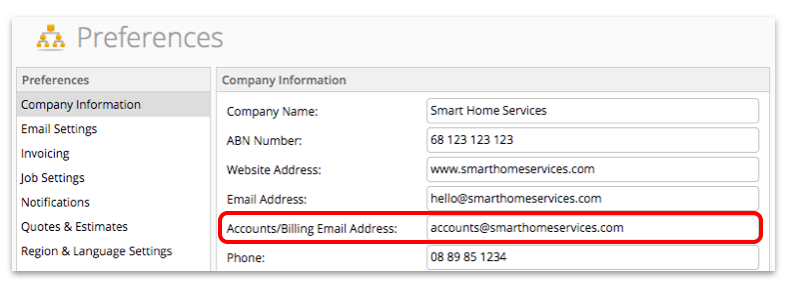
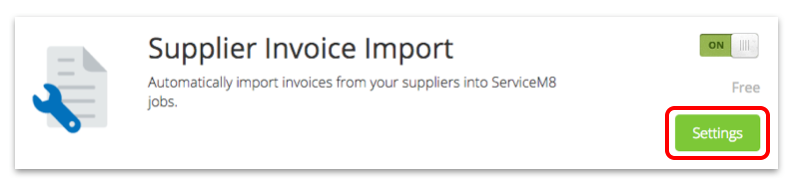
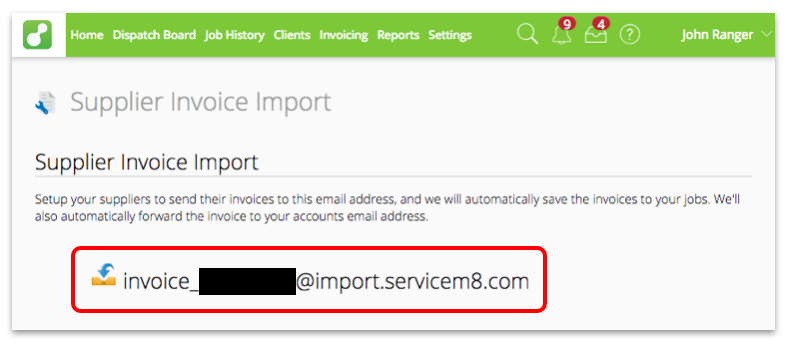
- ServiceM8 generates an email address for your account for the purpose of receiving supplier invoice emails.
- Your staff provide the ServiceM8 Job Number as your business’s Purchase Order or reference number when they’re purchasing materials.
- Any invoices sent to your supplier invoice email address are automatically added to the correct job by matching the invoice PO number to the ServiceM8 Job number.
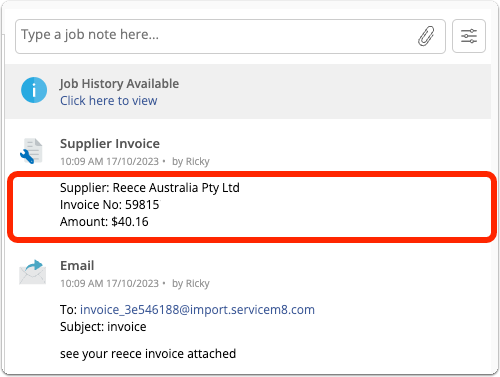
- Supplier;
- Invoice Number;
- Amount Due; and
- Individual line items (where possible).
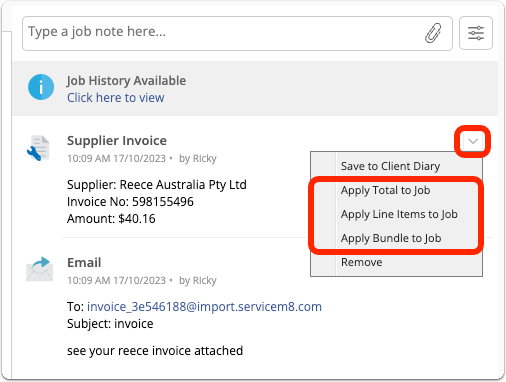
 Apply Line Items to Job: each line item in the supplier invoice is added as a separate item in the Quotes & Invoicing tab (TIP: this is a good option if you need to remove some items):
 Apply Bundle to Job: the supplier invoice items are added to the Quotes & Invoicing tab as a Bundle, where it displays as a single line to clients, while keeping the underlying items on the job (TIP: this is good for keeping invoices easy to understand):
 Note that Supplier Invoice Import also works for PDF invoices which are manually attached to the job diary.
Simply drag and drop the invoice PDF onto the Job card, and ServiceM8 will scan the PDF to determine if it looks like an invoice. If it does, ServiceM8 will extract the details from the invoice and they will be displayed in the job diary in the same way as emailed invoices.
Note that Supplier Invoice Import also works for PDF invoices which are manually attached to the job diary.
Simply drag and drop the invoice PDF onto the Job card, and ServiceM8 will scan the PDF to determine if it looks like an invoice. If it does, ServiceM8 will extract the details from the invoice and they will be displayed in the job diary in the same way as emailed invoices.