

In your Online Dashboard, go to Clients
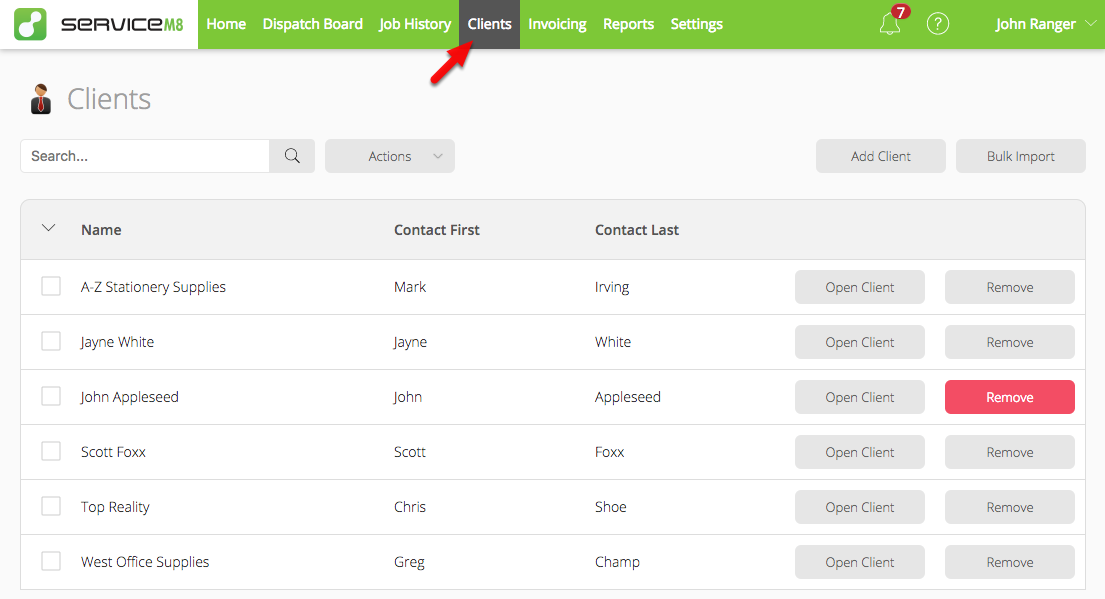
Click ‘Remove’ next to the relevant client, then confirm

In the App, go to More > Clients
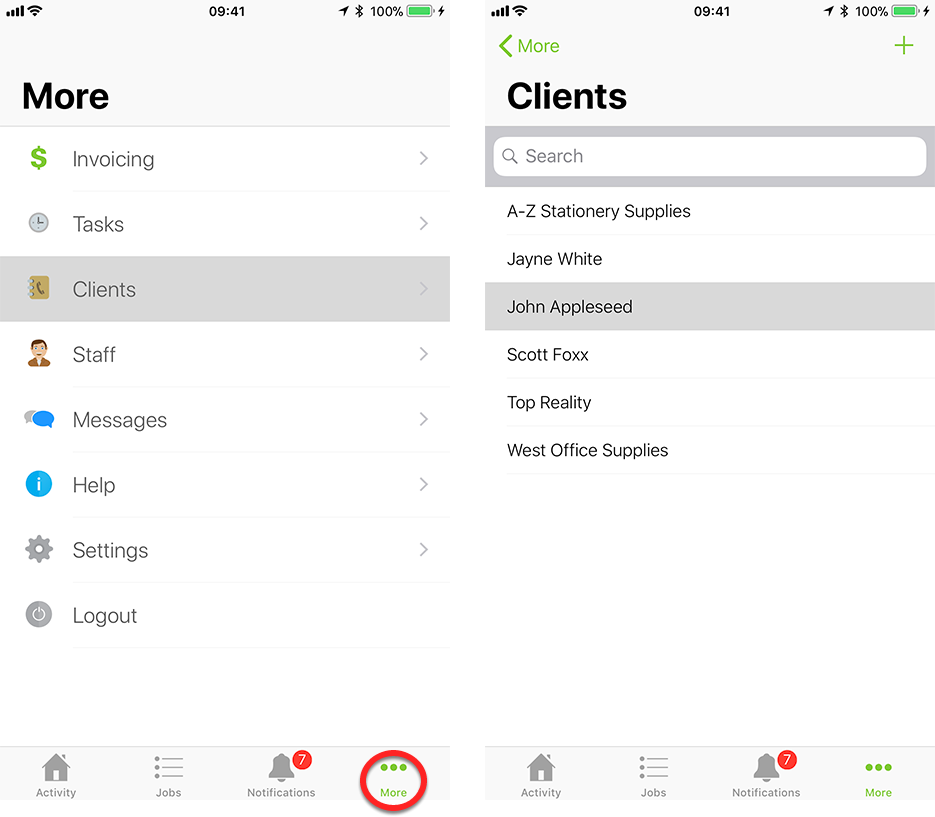
Scroll to the bottom and tap ‘Delete Client’

Learn how to delete a client record in ServiceM8.
Was this page helpful?