Open the document template on MS Word

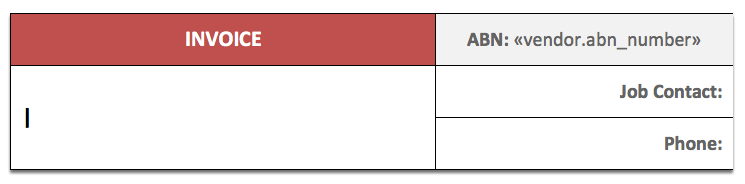
Position the cursor in the area you want to insert the merge field
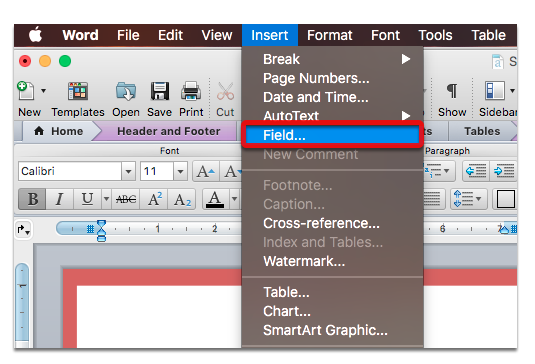
From the menu, select Insert > Field…
In the Mail Merge categories, select MergeField
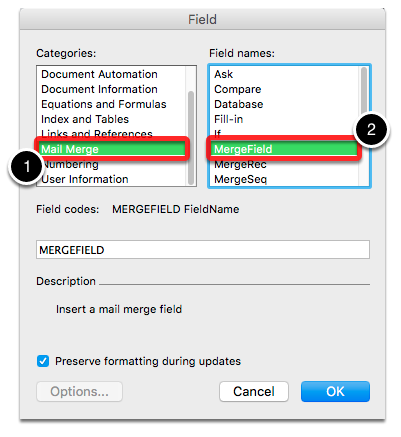
Enter the template field’s name in the MergeField text box
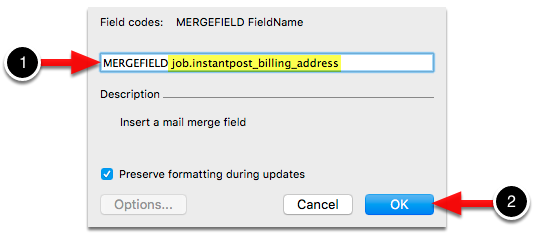
Click OK and that’s it.
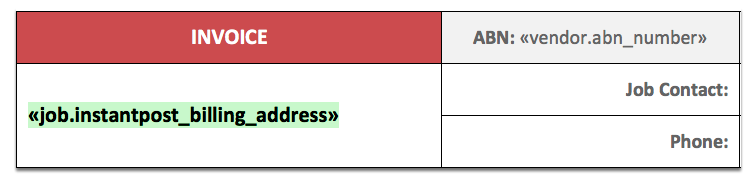
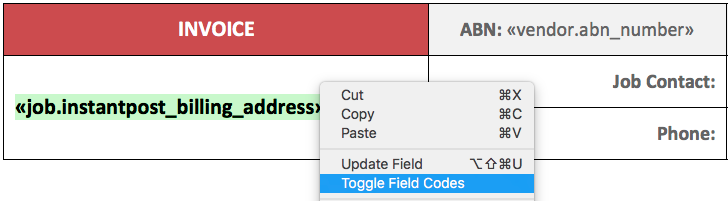
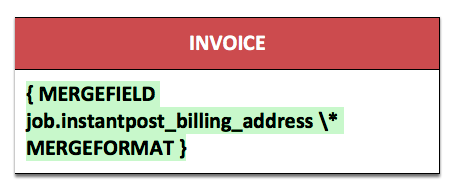
You can toggle field codes to see the actual code that’s been inserted.
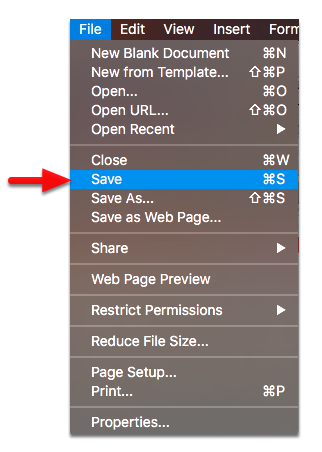
Don’t forget to save the template once you’re done.