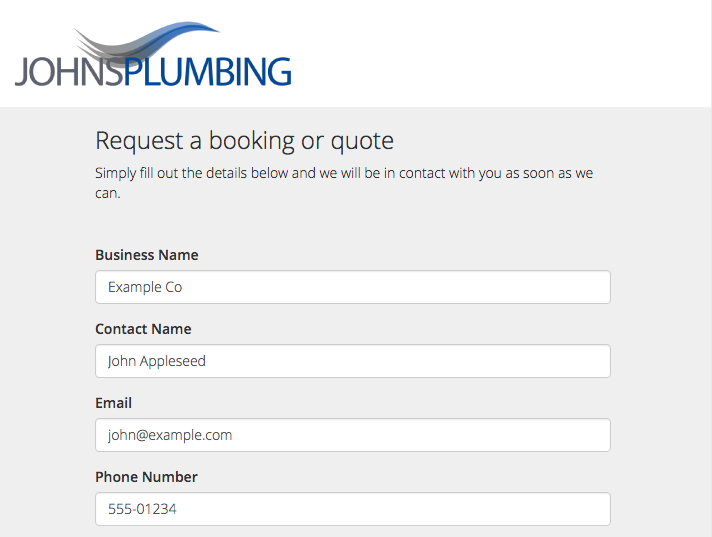
The Simple Online Enquiry form lets you easily add a form to your website, email signature and social profiles, so your customers can send you a booking or quote request. Requests sent by customers will arrive in the ServiceM8 Inbox. When you convert the inbox message into a Job, all the information entered by the customer is pre-filled into the Job Card so you don’t have to re-type or copy/paste anything!
To get started, go to Account > Features & Integrations, and activate the Simple Online Enquiry add-on.
Customers complete the enquiry form
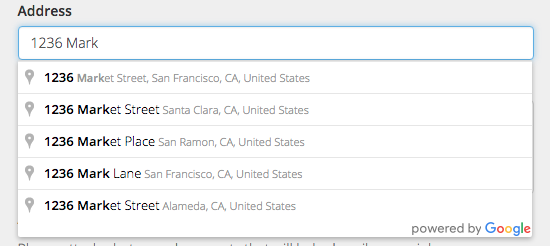
Addresses are auto-completed
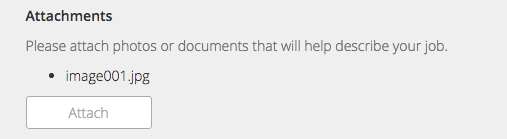
Customers can submit photos or documents with their enquiry
Enquiries arrive in your ServiceM8 Inbox
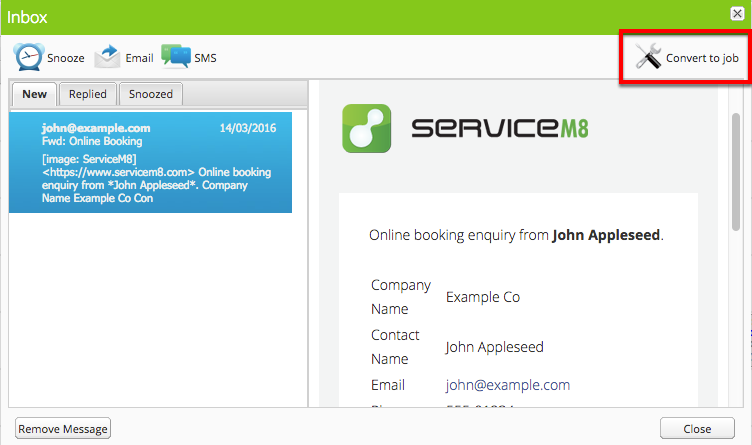
Job details are automatically entered
 If the customer provided any photo/document attachments with their enquiry, these will also be added to the job diary.
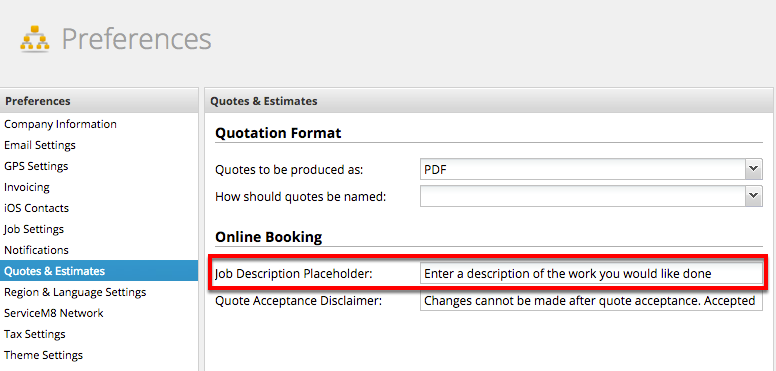
Customising the Simple Online Enquiry booking form