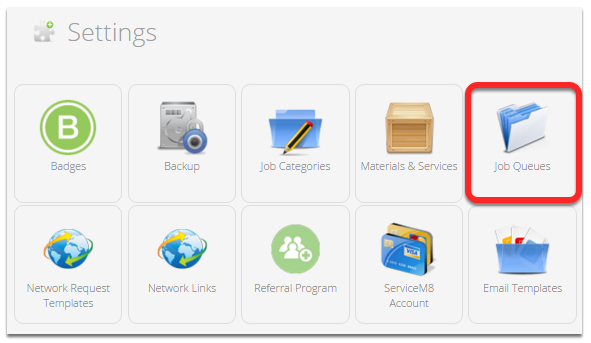
In ServiceM8, job queues will help you manage on-hold jobs.
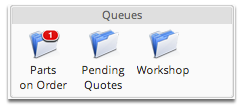
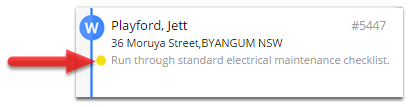
Think of queues like folders on your desk. Jobs can be placed into a queue while they are waiting for something to happen (waiting on a part, waiting on a client, waiting on a site to be ready). Jobs that are placed in queues disappear from your standard job lists (Unscheduled jobs, In Progress, etc) to reduce day to day clutter.
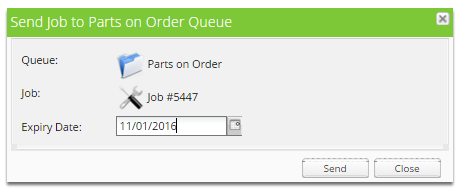
To put a job into a queue, simply drag the job onto the appropriate queue icon. When you put jobs into a queue, you need to set an expiry date. When a job expires from a queue the job will automatically pop back out of the queue and onto your Unscheduled Jobs tab again.
How do I remove a job from a queue?
If you would like to remove a job from its current queue without putting it in a new queue, simply right-click on the job in the job list and select remove from queue from the menu.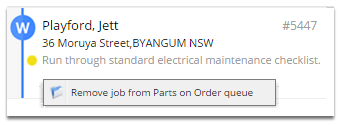
Can I create my own queues?
Yes you can, the three queues are samples provided to help get you started, you can add/remove queues to better suit your business, you can also set the default time a job should stay in a queue before expiring – to save you having to pick a date 6 months in advance every time you drop a job in a queue. To modify your queues, go to the Settings menu, and click the Job Queues option.