Summary tab

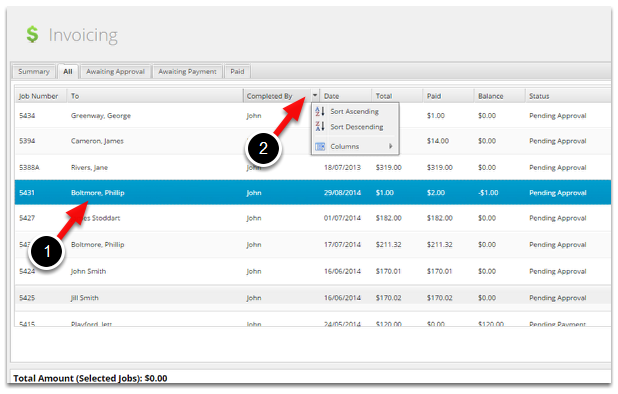
All tab
Awaiting Approval tab
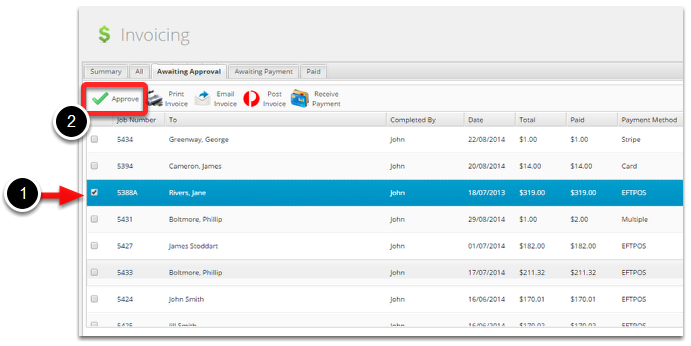
- If your field staff don’t add materials they can be added to the job here prior to issuing the invoice.
- If your field staff add materials but you’d like to check the invoice prior to sending, it can be done here.
- If you use a non-integrated accounting package, you can mark invoices as Approved once the information has been transferred.
- When integrated to an accounting package, the act of Approving sends the invoice to the accounting package to be tracked.
Awaiting Payment tab
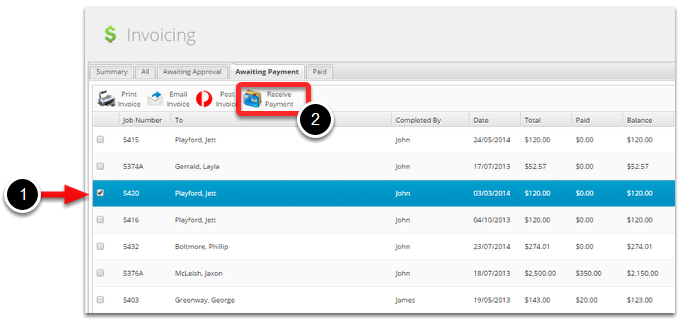
- Tick the job
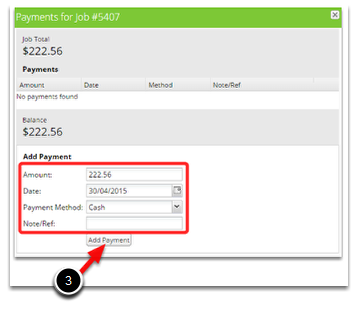
- Click Receive Payment
- Enter the amount and Payment Method, then click Add Payments
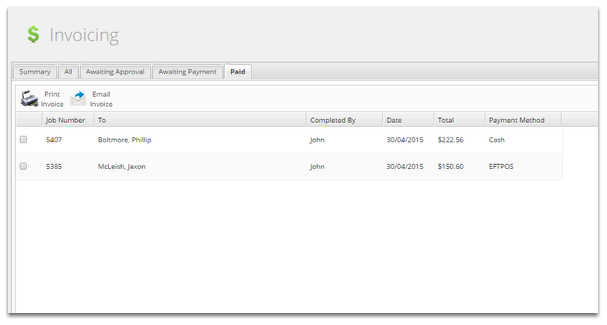
Paid tab